Accounts Receivable & Collections
How to track what customers owe you, prioritize collections, and reduce days-sales-outstanding without damaging relationships.
Revenue you’ve billed but haven’t collected isn’t revenue yet. Accounts receivable tools help you see who owes you, how overdue it is, and what to do about it.
A/R aging
The A/R aging report buckets outstanding invoices by how overdue they are — current, 30, 60, 90+ days. It’s the fastest way to see where your collection risk actually sits.
A practical collections approach
- Send a friendly reminder as soon as an invoice goes overdue — most late payments are oversights, not refusals.
- Escalate tone gradually the further overdue an invoice gets.
- Offer an easy way to pay online directly from the reminder.
- Flag chronically late customers for stricter terms going forward (deposits, shorter terms, or prepayment).
Automating the follow-up
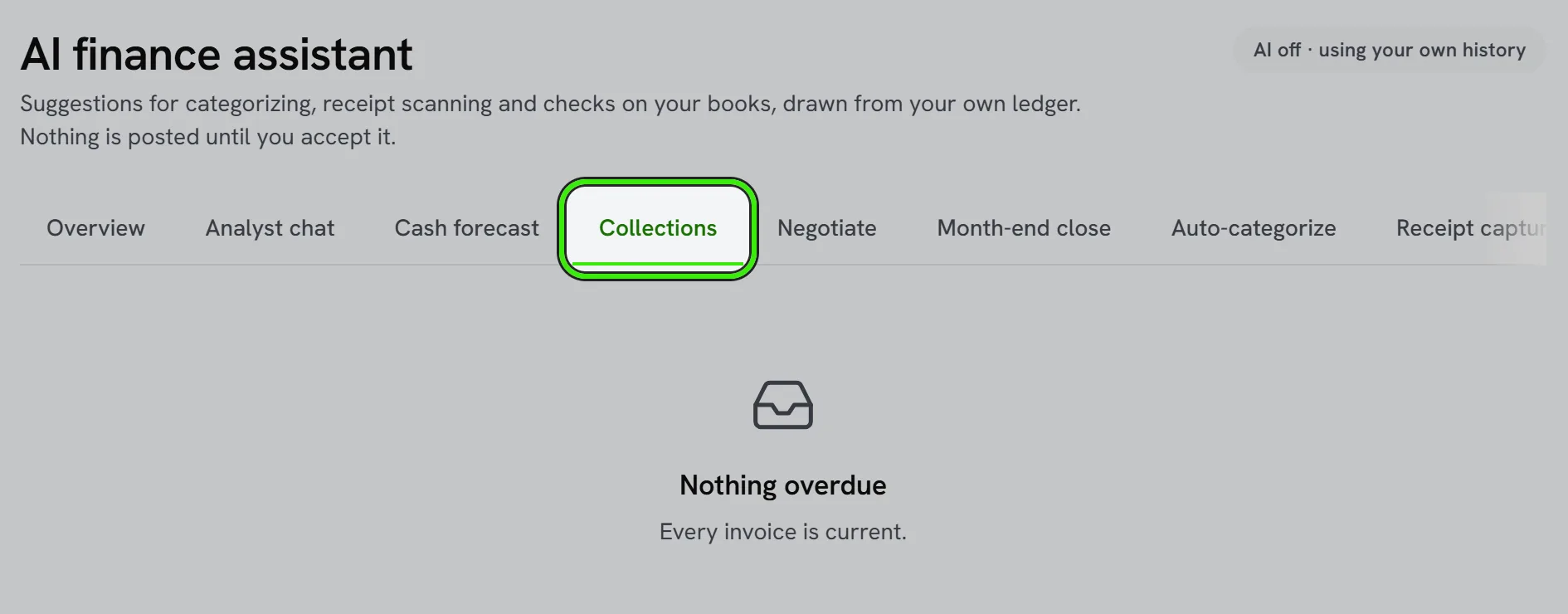
Accounting automations can trigger reminders automatically as invoices age, so collections happen consistently instead of depending on someone remembering to check.
When to write something off
If an invoice becomes genuinely uncollectible, your accountant can help you record it correctly as a bad debt rather than leaving it inflating your receivables indefinitely.
Frequently asked questions
How aggressive should collection reminders be?
Start friendly and get firmer as an invoice ages — a graduated approach preserves the relationship on a first-time late payment while still applying real pressure on a chronic non-payer.
Does A/R aging include partially paid invoices?
Yes — the aging report reflects the outstanding balance, so a partially paid invoice shows only what’s still owed, aged from its original due date.
Can I set different terms for different customers?
Yes — apply stricter terms (shorter due dates, upfront deposits) to customers with a history of paying late, while keeping standard terms for reliable ones.
Does A/R include rent, or just service-business invoices?
A/R covers whatever invoices your account generates — for service pros that’s job invoices, and the same reporting concepts apply to any billed-but-uncollected amount.
Related guides
Related features and guides
- Invoices, Estimates & Statements — Documentation. How to create, brand, and send invoices, estimates, and statements — with a price book, good / better / best options and acceptance on the spot — turn estimates into invoices, and get paid online.
- Accounting Automations — Documentation. How to build rules that act when something happens in your books — tell you, email a customer a note, hold a bill for approval, tag a class or suggest an account.
- Financial Reports — Documentation. The core reports Seayora produces — Profit & Loss, Balance Sheet, aging, budgets vs. actual — and how to read them.
- Accounts Receivable & Collections — Feature. Track outstanding balances across tenants and customers, age receivables, and run collections workflows before small arrears become large ones.
- Sales Tax Basics for Contractors and Service Businesses — Guide. A plain-English introduction to sales tax for service and trade businesses — when it applies, the idea of nexus, and how to track what you collect.
- AI Financial Analyst — Feature. An AI layer over your accounting data that surfaces trends, anomalies, and answers about your portfolio finances without building a report first.