Invoices, Estimates & Statements
How to create, brand, and send invoices, estimates, and statements — with a price book, good / better / best options and acceptance on the spot — turn estimates into invoices, and get paid online.
Seayora’s sales documents help you quote work, bill for it, and get paid — all tied to your books.
The document types
- Estimates — a proposed price a customer can accept.
- Invoices — a request for payment, with tax and terms.
- Statements — a summary of a customer’s account activity.
- Purchase orders and receipts for the buying side.
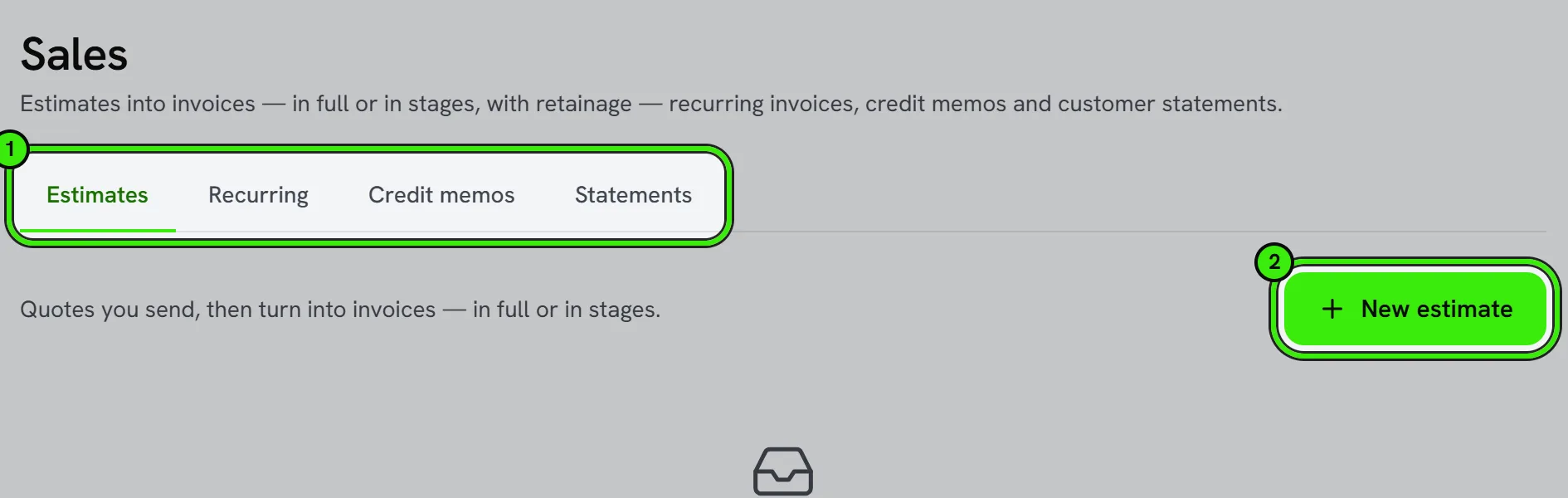
A smooth workflow
Turn an accepted estimate into an invoice in one step, apply your saved template and tax settings, and offer online payment directly from the invoice. Automations can send reminders and follow-ups.
Your responsibility
You’re responsible for the content, accuracy, and legality of each document and for delivering what you bill. Seayora isn’t a party to your invoices and doesn’t guarantee payment.
Progress invoicing and retainage
For larger jobs, enable progress invoicing to bill against an estimate in stages as work is completed, optionally holding back a retainage percentage until the job is finished — common in construction and larger service contracts.
Your price book
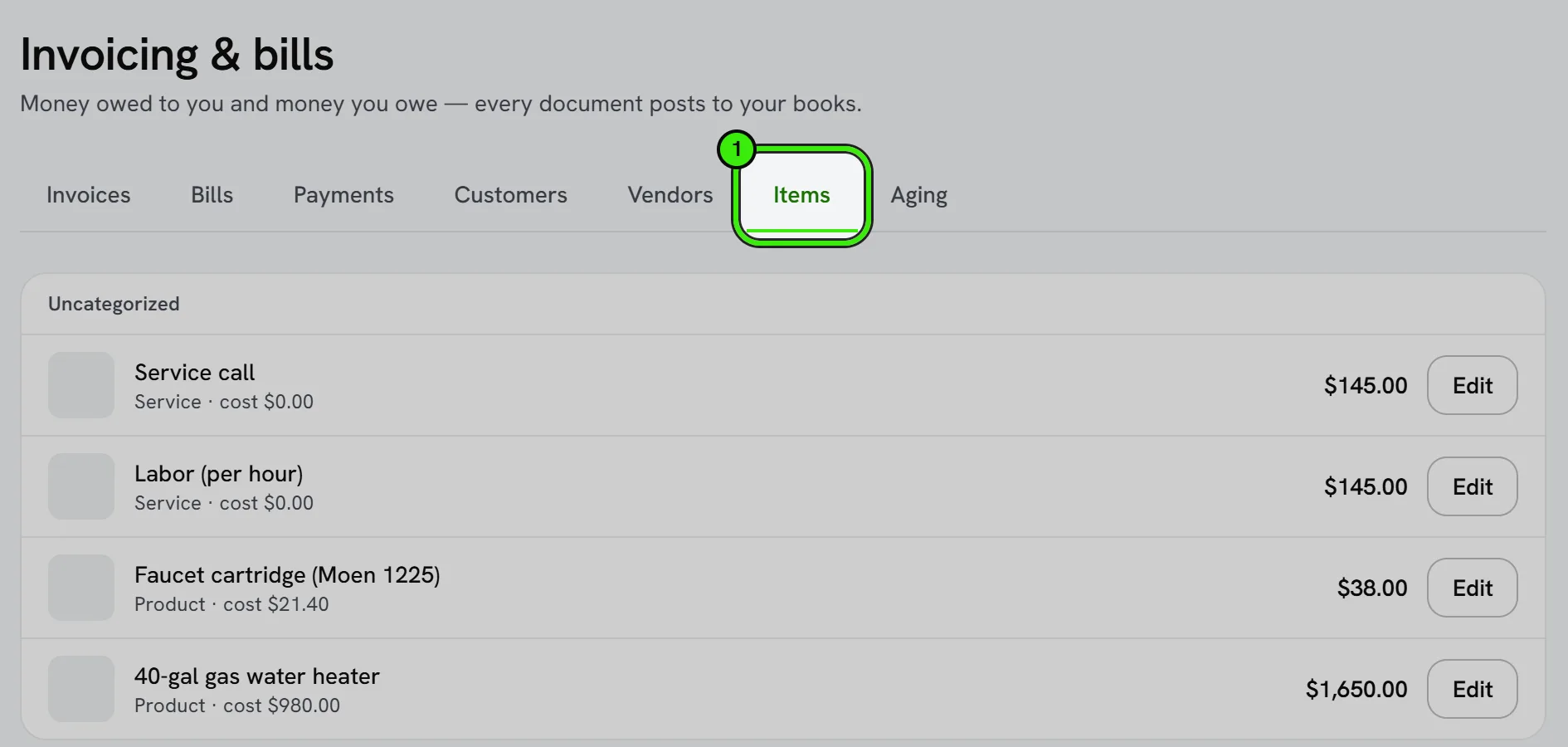
Items are what you sell: a name, a type, what it costs you, your price, a category and a photo. Categories group the book so the right item is quick to find on a phone in a customer’s kitchen; the photo is what the customer sees when you walk them through the options. Pick an item on an estimate, an order or an invoice and its description fills in. On an estimate or a sales order, leave the price blank and your price rules set it for that customer — a markup on the item, a customer’s price level, or the level your members are on — with the rule that set it written under the line, and a line nothing can price is refused, never quoted at $0.00; the invoice made from one carries those prices. On an invoice you type yourself, the price you enter is the price.
Good, better, best
An estimate can offer two or three options instead of one price. Name each one (“Repair”, “Replace — standard”, “Replace — high efficiency”) and put each line in every option or in one of them: the call-out fee belongs to all three; the new boiler belongs to one.
- Each option shows its own total. Until the customer chooses, the estimate’s total is the lowest option — the least they will spend.
- Every option needs at least one line of its own; two options that differ only in tax are one option.
- Nothing is invoiced or turned into an order until the customer has chosen. Then only the shared lines and the chosen option’s lines are billed.
Accepting on the spot
Choose “Present to customer” and hand them the phone or tablet. They see every option side by side, tap the one they want and type their name to accept. Seayora records the option, the name, the time and the device, and binds the name to exactly what they were shown — the estimate then reads “Dana Reyes accepted “Replace — standard” on September 15, 2026, signing with their typed name in person.” If they said yes by phone or email instead, choose “Record their acceptance”: it is marked as recorded by your team, not signed by them.
An accepted estimate cannot go back to draft or sent — decline or close it instead — and what the customer accepted is kept even if you change your price book afterwards.
Frequently asked questions
Can I edit an invoice after it’s sent?
Yes, but treat a sent invoice as a real document — if a customer has already seen it, note any change clearly and consider sending a corrected copy rather than silently altering it.
What’s the difference between an estimate and a quote?
On Seayora, they’re the same thing — a proposed price a customer can review and accept before it becomes billable work.
Can I attach files to an invoice?
Yes — attach supporting documents like photos of completed work or a signed work order, so the invoice is self-contained and easy to justify if questioned later.
Why can I not invoice an estimate with options?
Because nobody has said which option they are buying. Record the customer’s acceptance — on your screen, or as a yes they gave you by phone — and the estimate then invoices the shared lines plus the option they chose.
How do I give members their own prices?
Put your members on a price level and write price rules for that level — a percentage off, or a fixed price on particular items. Every item line you leave blank for a member is then priced at their rate, on estimates, orders and invoices alike.
Is a name typed on my phone a real signature?
It is an electronic signature: the name is bound to a digest of exactly what the customer was shown, with the time and device, and it cannot be moved onto a different estimate. Whether it is enough for a particular sale is between you and your customer — some sales made at a customer’s home carry a cancellation right, and that is yours to honor.
Related guides
- Document Designs
- Accounting Automations
- Taxes & Sales Tax
- Fees, Payouts & Refunds
- Accounts Receivable & Collections
Related features and guides
- Document Designs — Documentation. How to design the PDFs your customers and vendors receive — invoices, estimates, statements, purchase orders and receipts — and preview the real document.
- Accounting Automations — Documentation. How to build rules that act when something happens in your books — tell you, email a customer a note, hold a bill for approval, tag a class or suggest an account.
- Taxes & Sales Tax — Documentation. How Seayora calculates and tracks sales tax on invoices, and your responsibility to determine, file, and remit taxes.
- Invoicing, Estimates & Statements — Feature. Create invoices and estimates, send customer statements, and collect payment through the same rails as rent — with everything posting to the ledger automatically.
- Listing Performance Analytics — Feature. Track views, saves, and applications per listing so you know whether a vacancy needs a better photo, a lower price, or more reach — instead of guessing.
- Financial Reports & Tax Exports — Feature. Generate profit and loss, balance sheet, and portfolio reports, and export Schedule E tax reports in a single click across every property you own or manage.