Bills & Accounts Payable
How to record vendor bills, route them through approvals, and automate accounts-payable steps.
Accounts payable tracks what you owe vendors so nothing is paid twice or missed.
The AP workflow
- Enter or import a vendor bill and attach the document.
- Route it through an approval workflow when enabled.
- Schedule and record payment.
- See what’s outstanding with an A/P aging view.
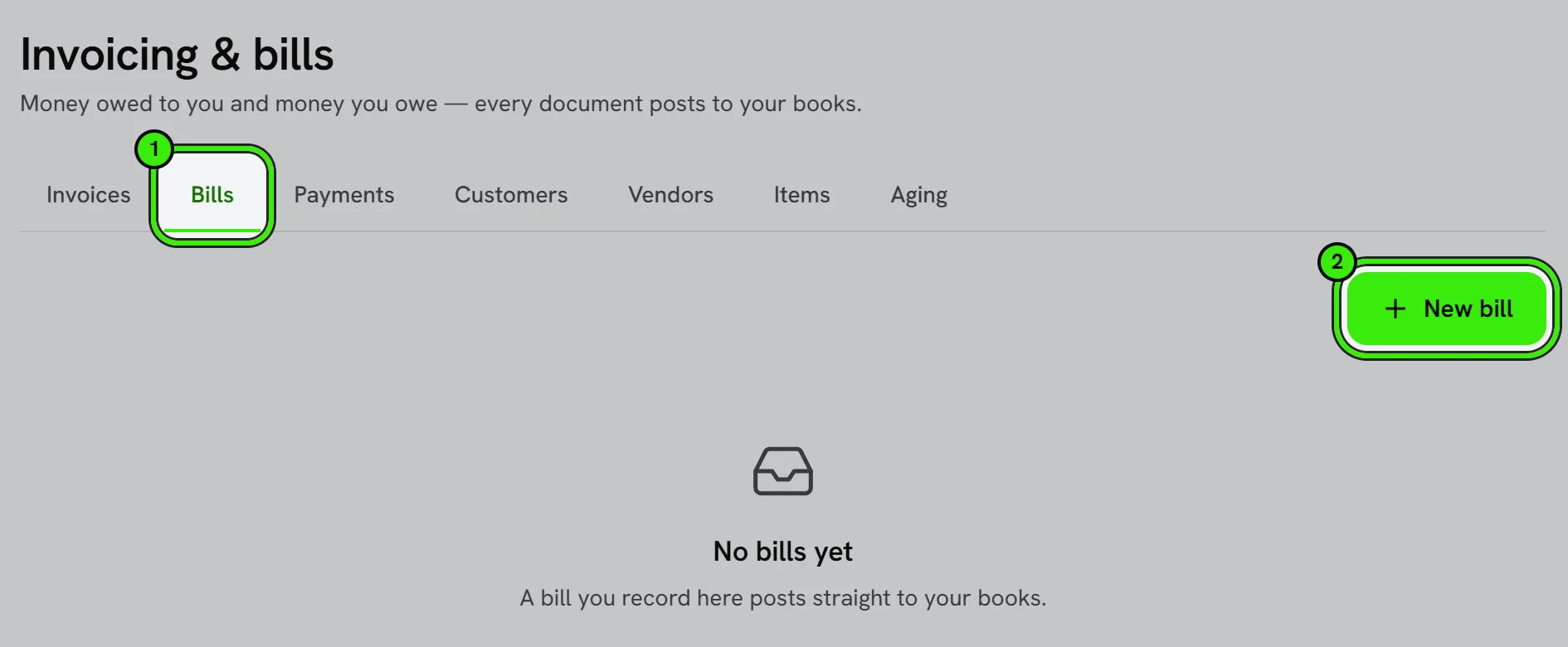
AP automation and approvals are controlled by a feature flag. Approval thresholds let routine bills flow while larger ones get a sign-off.
Avoiding duplicate bill entry
When importing bills via a bank feed or an integration, check for an existing match before creating a new one — most duplicates come from a bill being entered manually and then imported again from a connected source.
Frequently asked questions
Do I need to enable AP automation to enter bills?
No — you can enter and pay bills without it. AP automation and approval routing are optional layers on top for teams that want more control over how spending gets approved.
Can a bill be split across multiple expense accounts?
Yes — a single bill can have multiple line items, each coded to a different account, job, or class, which is common for vendor invoices covering several kinds of cost at once.
Can I schedule a bill payment for a future date?
Yes, where supported — schedule payment for the due date rather than paying early, keeping cash on hand longer while still avoiding a late payment.
What’s the difference between a bill and an expense?
A bill represents an amount owed that’s paid later (accounts payable), while an expense is often recorded and paid at the same time — both end up in the right accounts either way.
Related guides
- Invoices, Estimates & Statements
- Accounting Automations
- Books Modules
- Accounts Receivable & Collections
Related features and guides
- Invoices, Estimates & Statements — Documentation. How to create, brand, and send invoices, estimates, and statements — with a price book, good / better / best options and acceptance on the spot — turn estimates into invoices, and get paid online.
- Accounting Automations — Documentation. How to build rules that act when something happens in your books — tell you, email a customer a note, hold a bill for approval, tag a class or suggest an account.
- Books Modules — Documentation. How to switch off the parts of your books you do not use — recurring invoices, progress invoicing, budgets, bank feeds, the customer portal and more — and what switching one off does.
- Bills & Accounts Payable — Feature. Enter and track bills, manage vendor payables, and tie each cost back to the property, unit, or job that generated it.
- Job Costing — Feature. Track labor, materials, and vendor costs against each work order or capital project, so you know real margin per job instead of guessing.
- Invoicing, Estimates & Statements — Feature. Create invoices and estimates, send customer statements, and collect payment through the same rails as rent — with everything posting to the ledger automatically.