API Authentication & API Keys
The three credentials Seayora accepts, live versus test keys, what a credential can see, and how to keep keys safe.
Three accepted credentials
An API key is a single token, shown once at creation. Send it as a bearer token — this works against both https://seayora.com/api/v1 and https://seayora.com/mcp, which is the simplest way to wire up an agent framework that does not speak OAuth.
Authorization: Bearer sy_live_ak_1a2b3c4d5e6f7a8b_XwPq…If your HTTP client cannot set an Authorization header, send the same key in a header of its own.
Seayora-Api-Key: sy_live_ak_1a2b3c4d5e6f7a8b_XwPq…Split headers carry the same key in two parts, matching the shape most property-management integrations are already written against. The client id is the part that starts ak_ (ak_ plus 16 characters). The secret is everything after the underscore that follows it, and it can itself contain underscores and hyphens, so never cut the key at its last underscore.
Seayora-Client-Id: ak_1a2b3c4d5e6f7a8b
Seayora-Client-Secret: XwPq…
Integrations written before October 2026 used X-Seayora-Api-Key, X-Seayora-Client-Id and X-Seayora-Client-Secret. Those names still work, so nothing you have deployed needs to change. If a credential is refused, the error message names what was wrong with it: the wrong header, a key that was cut off, or a missing half of the pair.
An OAuth access token is what an assistant gets after the consent screen. Short-lived and refreshed automatically by the client.
Authorization: Bearer sy_at_9f8e7d…Live and test keys
A key is minted as either sy_live_… or sy_test_…. A test key authenticates identically and reads real data, so your output is realistic — but every write is refused with the error code test_mode. Develop against a test key, switch the string when you ship.
What a credential can see
A credential returns your account's data and nothing else. Being an admin does not widen it — a key belongs to a person and returns that person's view. Scope is enforced server-side on every call, not in the client: a tool the credential lacks the permission for is not merely hidden from the catalog, calling it directly is refused.
Creating a key
- Settings → AI & connections → API keys → New key.
- Pick a preset — read-only is right for most reporting and sync jobs — or check permissions individually. Only permissions your kind of account can hold are offered.
- Optionally set an expiry, a requests-per-minute limit, a monthly cap and an IP allowlist. Set them low for a key you are handing to someone else.
- Copy the key when it is shown. It is shown once; if you lose it, rotate the key and copy the replacement.
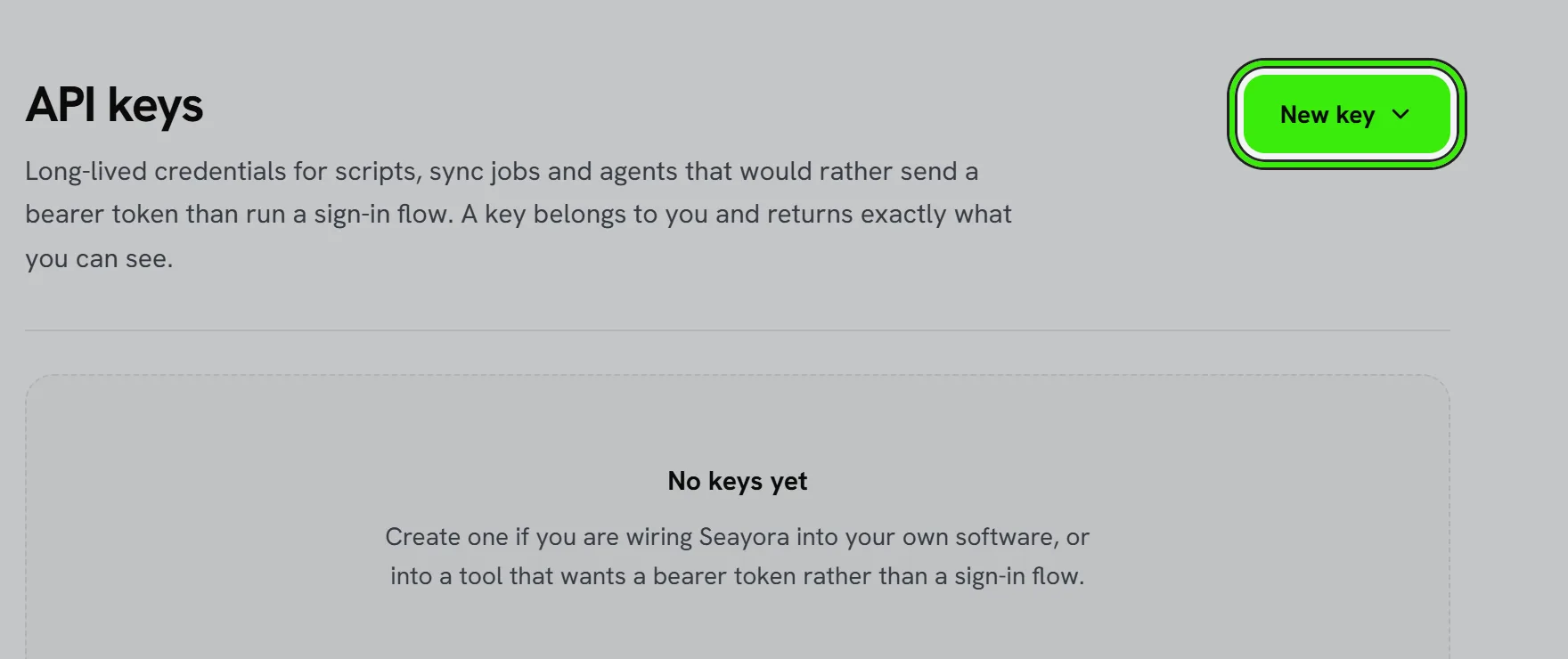
The same screen is in the iPhone and Android apps (Settings → Assistants & integrations → API keys): create a key with its permissions, change a key’s name, limits or permissions, rotate it and revoke it. A new or rotated key stays on screen until you tap Done, with a Copy button — it is not shown again after that.
Rotating and revoking
Rotating a key gives you a new secret now and keeps the old one working for a grace period — 24 hours unless you choose another number, and 0 stops it at once — so you have time to deploy. Revoking stops it immediately. Both are on the API keys screen, and both are logged.
The confirmation code
Creating a key, rotating one, and widening one — its permissions, its limits, its IP allowlist or its expiry — ask for a 6-digit code sent to your email or phone, the same code the rest of Settings uses. It lasts ten minutes, so several changes in a row need one code. Whatever you typed stays on screen while the code arrives. Revoking a key and renaming one never ask: revoking is what you reach for when a key has leaked, and nothing should stand in front of it.
Your first call
curl https://seayora.com/api/v1/me \
  -H "Authorization: Bearer sy_live_ak_…"

{
  "data": {
    "email": "[email protected]",
    "role": "landlord",
    "plan": "pro",
    "granted_scopes": ["properties:read", "..."],
    "environment": "live"
  },
  "request_id": "req_8f1c2b…"
}
/me is the right first call: it tells you which permissions the credential actually holds, so you never have to guess why something later returns 403.
Frequently asked questions
Where do I keep the key?
In your software's secret store or environment, never in a repository or a shared document. If a key is ever exposed, rotate it — the old one stops working within 24 hours, or revoke it to stop it now.
Related guides
Related features and guides
- API Requests & Responses — Documentation. The response envelope, paging, the money and date conventions, and how writes work on the Seayora REST API.
- API Rate Limits & Error Codes — Documentation. The error shape, every stable error code and what to do about it, rate-limit headers, and how to retry well.
- Permissions Reference — Documentation. Every permission an assistant or API key can hold, what it unlocks, and which ones can change records — generated from the server.
- Repair or Improvement? How the IRS Decides, With Landlord Examples — Guide. Repairs are deducted the year you pay; improvements are depreciated. The IRS test, fifteen landlord examples, and the three safe harbors that help.
- Two-Factor Authentication & Device Security — Feature. Two-factor authentication (2FA/TOTP), new-device sign-in alerts, device verification, and passkey-based sign-in protecting every Seayora account.
- EPA’s Lead Renovation (RRP) Rule: What Contractors and Landlords Must Do — Guide. Who needs EPA lead-safe certification for paid work in pre-1978 housing, the Renovate Right pamphlet, the minor-repair exemption and the 3-year records rule.