Uploading Photos & Media
How to upload listing photos and files, requirements for images, and your responsibilities for uploaded media on Seayora.
Photos are the most important part of a listing. Seayora lets you upload images and other media to showcase a property or attach to documents and jobs.
Uploading
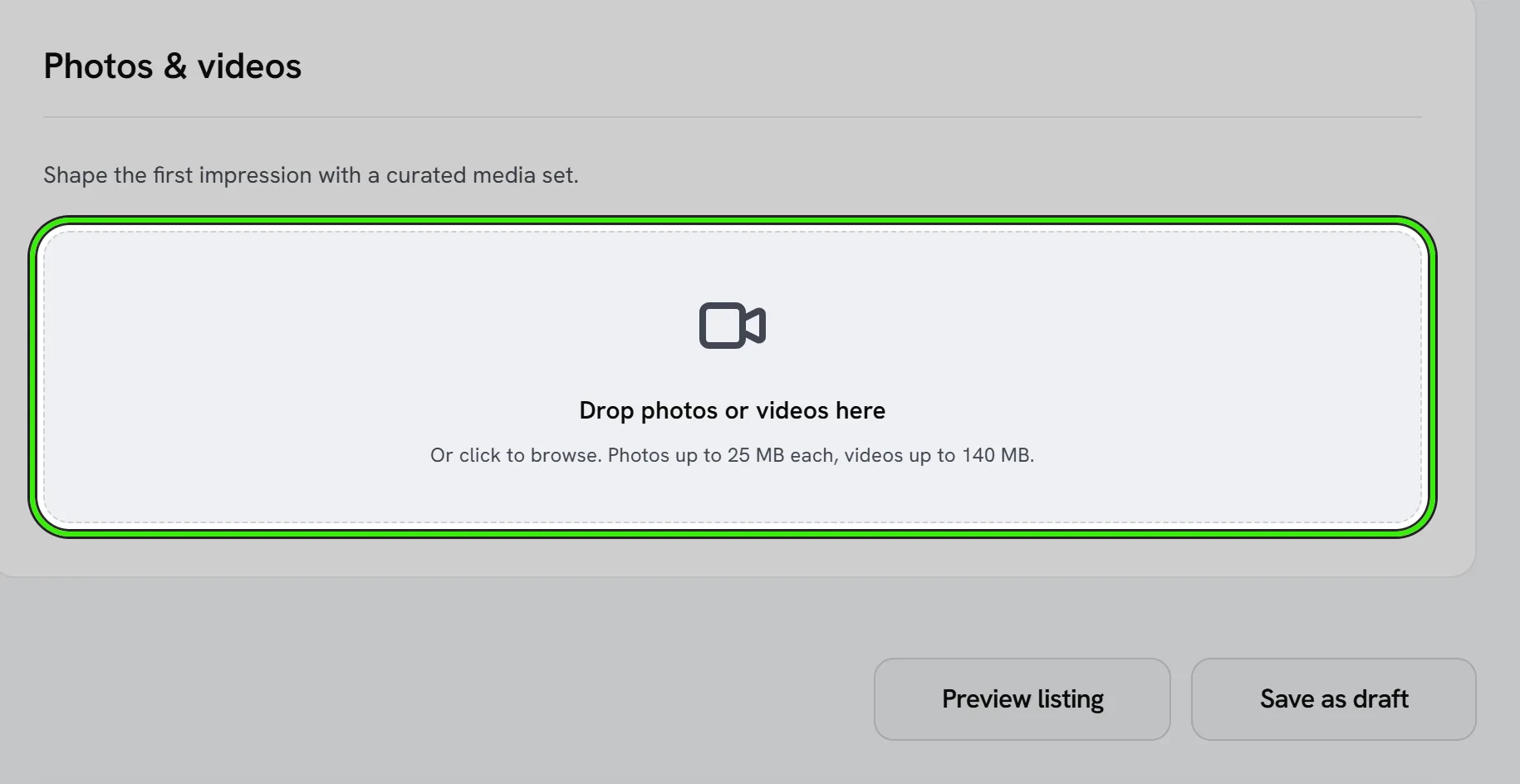
- Add multiple photos and arrange their order.
- Use high-resolution, well-lit images of the actual unit.
- Attach floor plans and relevant documents where supported.
Requirements and your responsibility
You must own or have the rights to everything you upload, and images must accurately represent what they show. Do not upload stock, altered, or unrelated photos to misrepresent a listing, and do not upload other people’s content or personal information without consent.
How Seayora handles uploads
Uploads may be resized, compressed, or optimized for display. Seayora does not verify or own uploaded content and is not responsible for it — keep your own backups of anything important. Review image metadata (which can include location) before uploading. Full details are in the Terms of Service and Privacy Policy.
A quick photo checklist
- Shoot every room, in daylight, with lights on.
- Include exterior, common areas, and any standout amenity.
- Straighten the camera and declutter before shooting.
- Order photos so the best shot leads.
Supported files and limits
Standard image formats (JPEG, PNG, WebP) are supported for listing photos, and common document formats for attachments. There are practical size and count limits per listing and per upload to keep pages fast — if an upload fails, try a smaller file size or a supported format.
Frequently asked questions
How many photos should a listing have?
Enough to show every room plus the exterior and any standout amenity — most well-performing listings have somewhere between 8 and 20 photos. More coverage generally beats a handful of highly polished shots.
Can I use a professional photographer’s photos?
Yes, as long as you have the rights to use them for your listing. If a photographer retains rights to their work, confirm you have permission to publish the images before uploading.
Should I include a floor plan?
If you have one, yes — floor plans help serious applicants quickly judge whether the layout works for them, which can mean fewer inquiries from people who’d turn out not to be a fit.
Related guides
Related features and guides
- Creating & Publishing a Listing — Documentation. How to post a rental listing on Seayora — property details, pricing, availability, amenities, and how listings appear in search.
- Documents & Storage — Documentation. How Seayora stores leases, applications, and uploaded documents, and your responsibility to retain your own records.
- Listing Analytics & Performance — Documentation. How to read the view, inquiry, and application metrics behind a listing to understand what’s working and what to change.
- Listing Descriptions and Photos That Actually Rent the Unit — Guide. How to write honest, compelling rental listings and take photos that fill vacancies faster — while staying compliant and avoiding misleading claims.
- Rental Listing Software — 60 Days Free, Then $9/Month — Feature. Advertise apartments, houses, condos, and townhomes for rent. Every listing gets its first 60 days free, then $9/month while the unit stays vacant — prorated daily and stopped the moment it rents. No brokerage fee, no setup fee, no subscription.
- Listing Performance Analytics — Feature. Track views, saves, and applications per listing so you know whether a vacancy needs a better photo, a lower price, or more reach — instead of guessing.