Creating & Publishing a Listing
How to post a rental listing on Seayora — property details, pricing, availability, amenities, and how listings appear in search.
A listing is an advertisement you create and control. Complete, accurate listings rank better, attract stronger applicants, and rent faster.

What to include
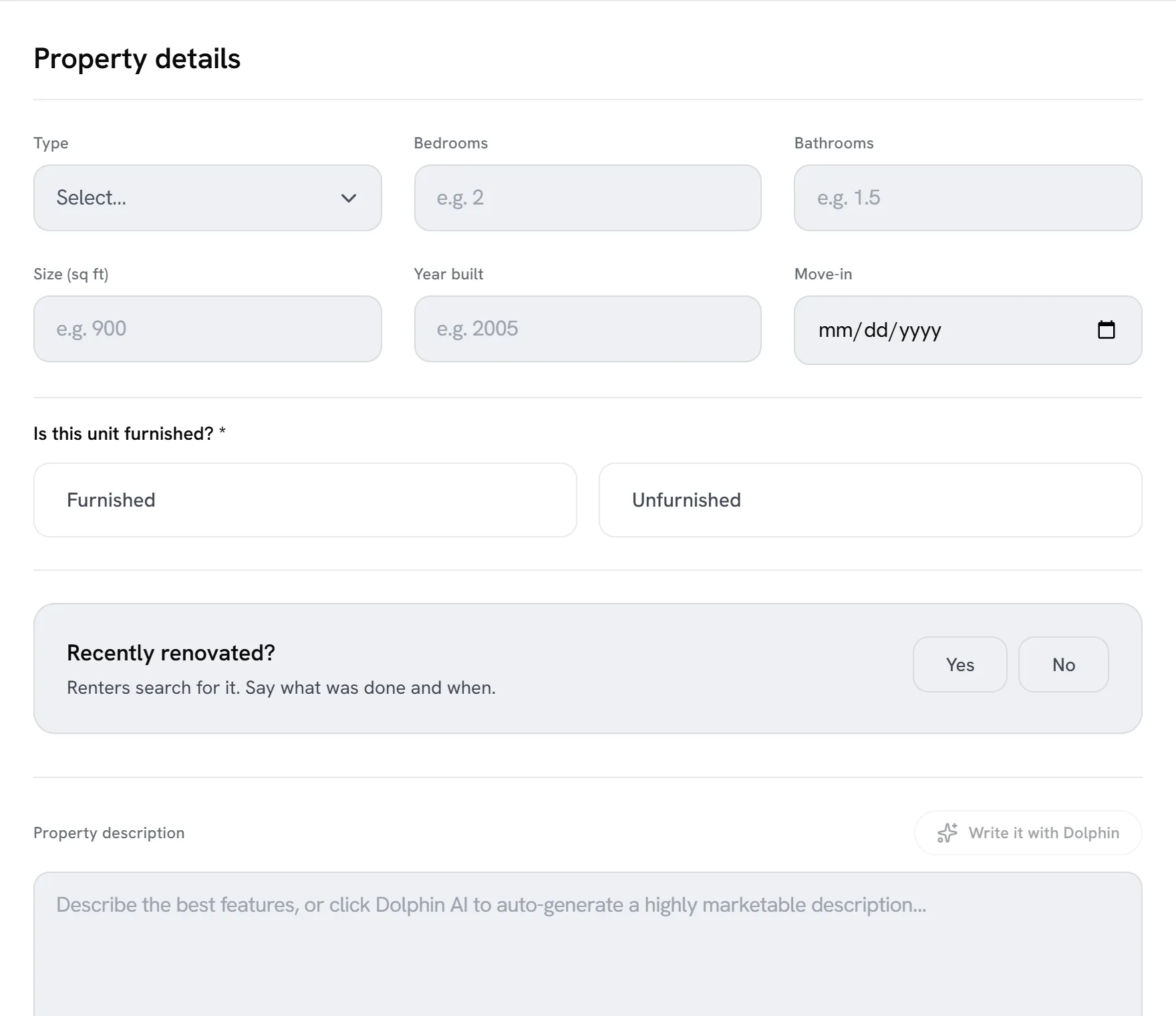
- Address, unit type, bedrooms, bathrooms, and square footage.
- Monthly rent, deposit, and availability date.
- Amenities like parking, laundry, and pet policy.
- A clear, honest description of the unit and neighborhood.
- Real photos of the actual unit.
Publishing and visibility
Once published, your listing appears in browse and search, on city and neighborhood pages, and gets its own shareable page optimized for search engines. Keep availability current — accurate listings perform best and outdated ones erode trust.

Your responsibility
You are responsible for the accuracy and legality of everything you post, including fair-housing compliance. Seayora provides the advertising tools and placement but does not verify listings. See the advertising terms in the Terms of Service.
Editing a listing and marking it unavailable
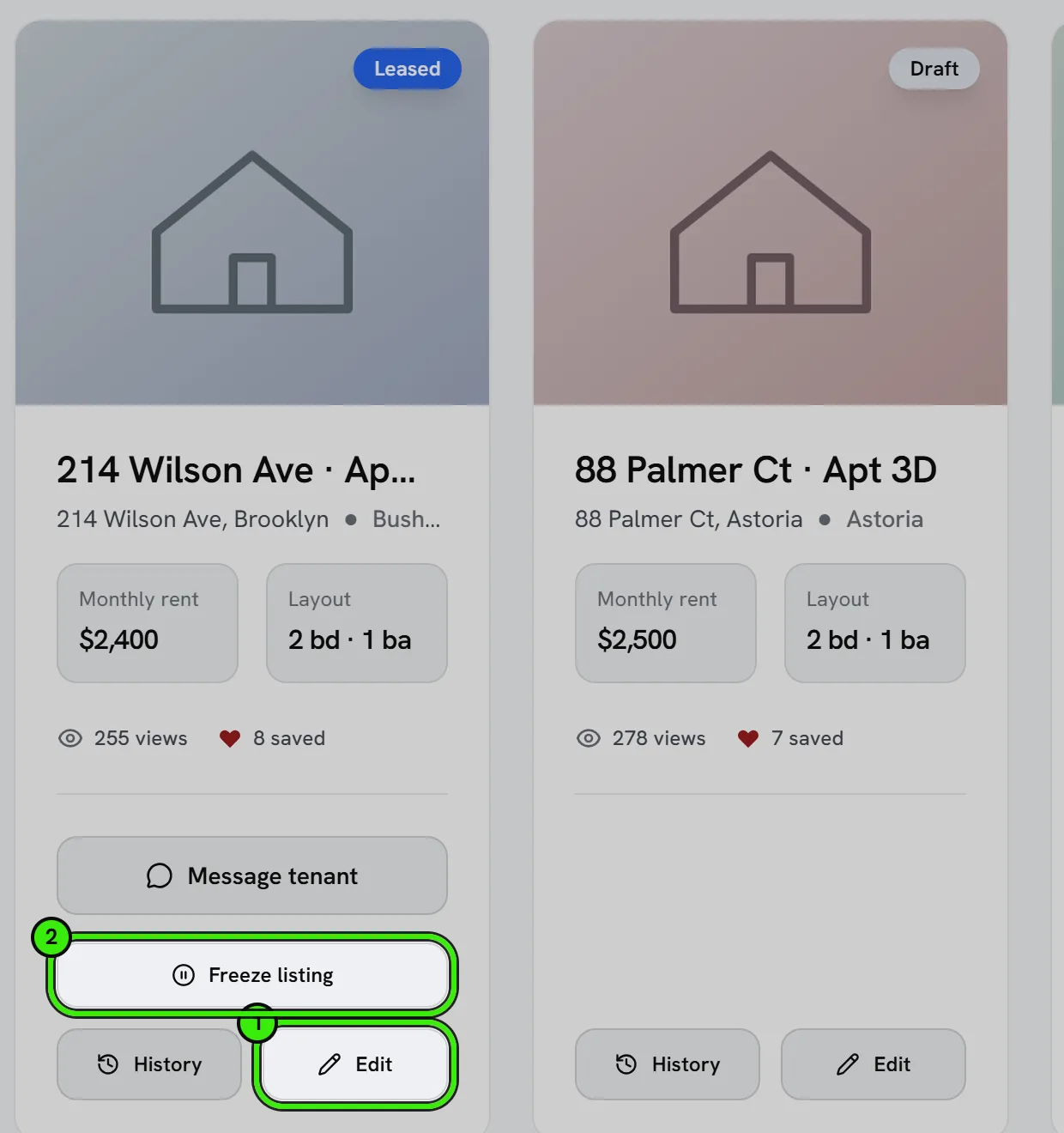
You can edit any listing detail at any time — update the rent, swap photos, or adjust availability. As soon as a unit is off the market, mark it unavailable or remove it; a stale “available” listing wastes applicants’ time and hurts how your future listings are perceived.
Common mistakes that slow down renting
- Missing or vague pricing — applicants skip listings without a clear rent amount.
- Too few photos, or photos that don’t match the description.
- An availability date left in the past.
- No mention of pet policy, parking, or laundry — frequently the first questions renters have.
Frequently asked questions
How many listings can I post at once?
There’s no fixed cap on active listings for a standard account — landlords with a larger portfolio or management companies typically manage many listings at once from the same account.
Can I list a property I don’t personally own?
Yes, if you’re authorized to advertise it — for example as a property manager or agent acting for the owner. You represent that you have the right to list and advertise the property when you publish it.
What happens to a listing once the unit is rented?
Mark it unavailable or remove it as soon as it’s off the market. Leaving a rented unit listed as available wastes applicants’ time and can hurt how your future listings perform.
Can I schedule a listing to publish in the future?
Where scheduled publishing is supported, you can prepare a listing ahead of a known move-out date so it goes live automatically rather than requiring you to remember to publish it manually.
Related guides
- Uploading Photos & Media
- Browsing & Searching Rentals
- Promoted & Featured Placement
- Listing Analytics & Performance
Related features and guides
- Uploading Photos & Media — Documentation. How to upload listing photos and files, requirements for images, and your responsibilities for uploaded media on Seayora.
- Browsing & Searching Rentals — Documentation. How renters search listings on Seayora — the map, filters, saved favorites, city and neighborhood pages, and applying online.
- Promoted & Featured Placement — Documentation. How listing ranking, featured placement, and promotion work on Seayora — and what is and isn’t guaranteed.
- Rental Listing Software — 60 Days Free, Then $9/Month — Feature. Advertise apartments, houses, condos, and townhomes for rent. Every listing gets its first 60 days free, then $9/month while the unit stays vacant — prorated daily and stopped the moment it rents. No brokerage fee, no setup fee, no subscription.
- Apartment & Rental Search — Feature. Search rentals by city, neighborhood, price, bedrooms, and amenities. Save homes, get alerts when something changes, and apply online in minutes with a reusable renter profile.
- Promoted Listing Placement — Feature. Boost a listing into promoted placement so it surfaces ahead of standard results in browse and search, filling vacancies faster without paying a brokerage fee.