Documents & Storage
How Seayora stores leases, applications, and uploaded documents, and your responsibility to retain your own records.
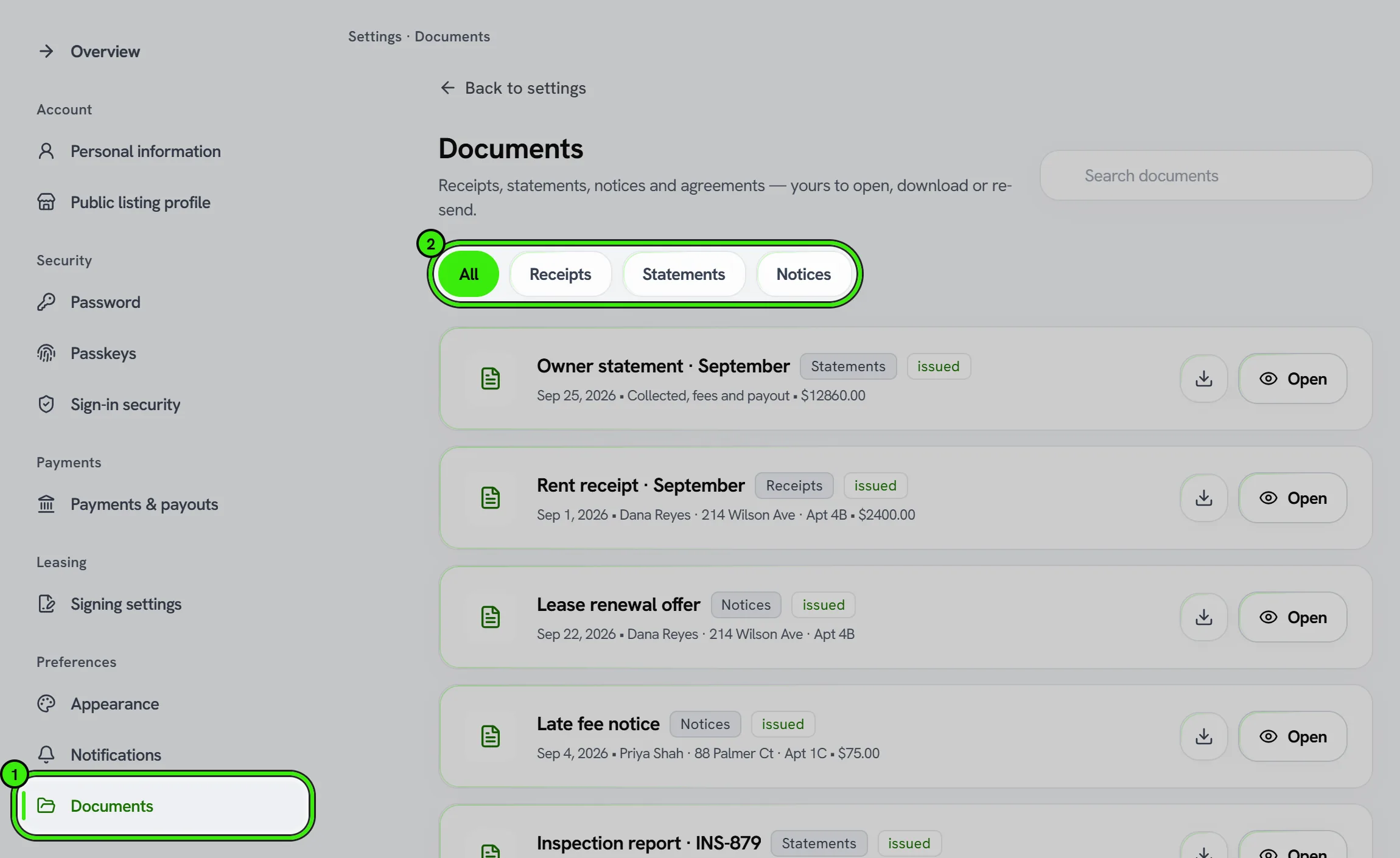
Documents you create or upload — leases, applications, receipts, and attachments — are stored with the related record so they’re easy to find.
Good practices
- Attach documents to the lease, job, or invoice they belong to.
- Keep sensitive documents to the people who need them.
- Export and back up records you are legally required to retain.
Documents and signatures you create are your records; you’re responsible for retaining copies as required by law. Seayora is not responsible for uploaded content — see the Terms of Service.
Sharing a document with someone off-platform
You can export or download most documents to share outside Seayora — for example, a lease for a lender or a records request. Downloaded copies are yours to manage and are no longer protected by Seayora’s access controls.
Deleting documents
Some documents (like signed leases) are retained for record-keeping and legal reasons and can’t simply be deleted. Where deletion is available, remember that you may still be legally required to retain your own copy elsewhere.
Frequently asked questions
How long are documents kept?
Documents tied to an active lease or account stay accessible for as long as you need them for that relationship; some records, like signed leases, are retained longer for record-keeping purposes as described in the Privacy Policy.
Can a tenant see the same documents I can?
Each party generally sees the documents relevant to them — a tenant sees their own lease and application, while a landlord sees documents for the units and tenants they manage.
Can I organize documents by property?
Yes — documents are naturally associated with the property, lease, or job they belong to, so filtering by property surfaces everything relevant without manual folder organization.
What file types can I upload as a document?
Common document formats like PDF and standard image types are supported for attachments — if an upload fails, converting to PDF is usually the safest fallback.
Related guides
- Creating & E-Signing Leases
- Receipts, Notices & Statements
- Uploading Photos & Media
- Contracts Beyond the Lease
Related features and guides
- Creating & E-Signing Leases — Documentation. How to build a lease, send it for electronic signature, and rely on the audit trail under ESIGN and UETA.
- Receipts, Notices & Statements — Documentation. The PDFs Seayora issues — what produces each one, where they are kept, and what they can and cannot be used for.
- Uploading Photos & Media — Documentation. How to upload listing photos and files, requirements for images, and your responsibilities for uploaded media on Seayora.
- Document Storage & Templates — Feature. Store leases, addenda, inspection photos, receipts, and templates securely, with the right people able to reach the right documents at any time.
- Digital Leases & eSignature — Feature. Build digital leases from your templates, send them for legally binding eSignature under ESIGN/UETA with a full audit trail, and store executed copies automatically.
- Lease Renewals & Amendments — Feature. Handle renewals, rent increases, and amendments against the original lease, with the right notices and a clean signed record of every change.