Year-End Close & Books Review
A practical checklist for closing your books at year-end — reconciling, reviewing reports, and getting ready to hand off to a tax professional.
Closing the year doesn’t have to be a scramble in April. A short checklist at year-end saves hours later and gives your accountant clean numbers to work with.
Before you close
- Reconcile every bank and credit account through December 31.
- Review the A/R and A/P aging for anything stale or wrong.
- Confirm fixed-asset and inventory balances match reality.
- Review the chart of accounts for anything miscategorized during the year.
Run the closing reports
Pull a full-year Profit & Loss and a year-end Balance Sheet. Compare them against last year if you have it — big unexplained swings are worth understanding before you hand books off, not after.
Gather what your tax professional will want
- Year-end P&L and Balance Sheet.
- Any 1099s you need to issue or received.
- A summary of fixed assets and depreciation.
- Notes on anything unusual that happened during the year.
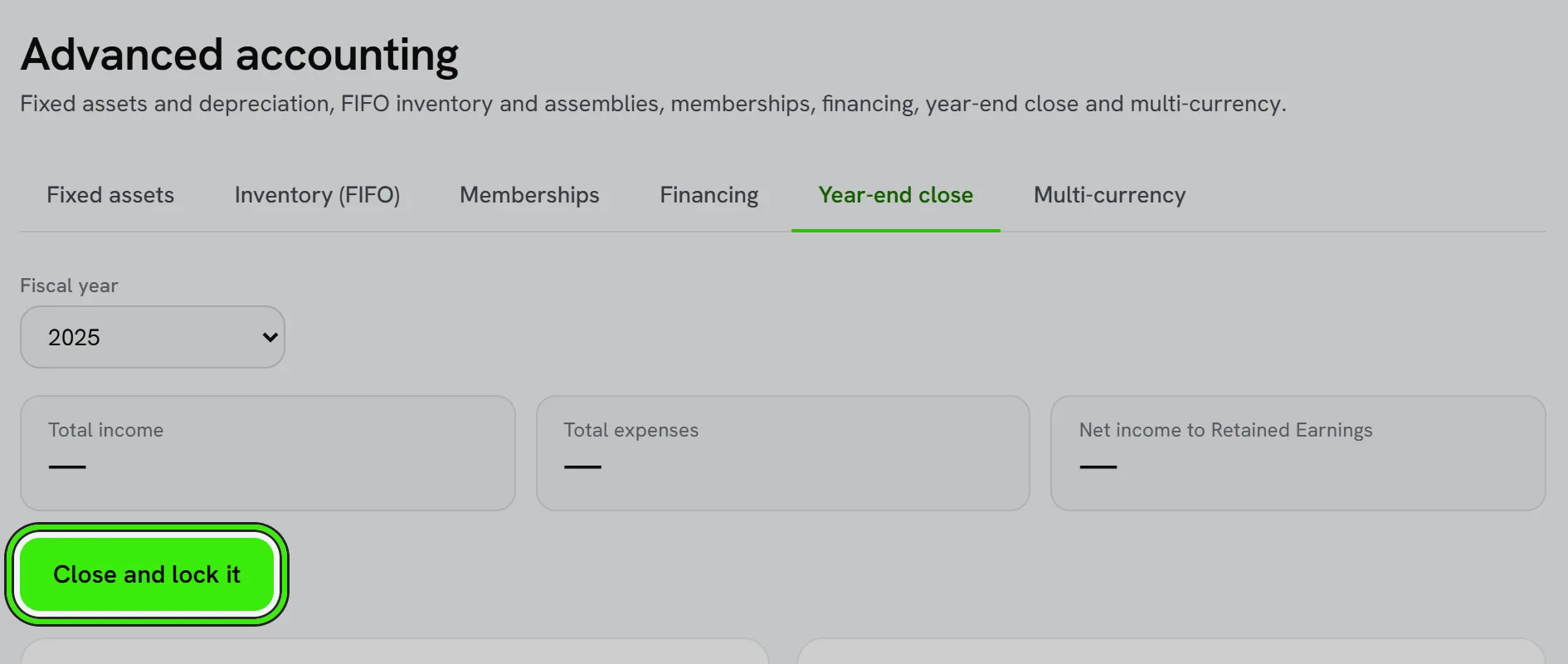
Lock the period
Once your accountant confirms the year is final, treat closed-period transactions as locked — any correction after that point should be a clearly dated adjusting entry, not a silent edit to a closed month.
Frequently asked questions
How early should I start closing the year?
Start reconciling and reviewing in the final weeks of the year rather than waiting until January — most of the work is verification, and it goes faster when done in smaller pieces.
What if I find an error after closing?
Record a clearly dated adjusting entry rather than editing the closed period directly, and let your accountant know if it affects a return that’s already been filed.
Should I close the books myself or leave it to my accountant?
Many businesses do the reconciliation and review themselves, then hand a clean set of books to their accountant for the final review and filings — either approach works as long as the numbers are trustworthy.
Related guides
Related features and guides
- Financial Reports — Documentation. The core reports Seayora produces — Profit & Loss, Balance Sheet, aging, budgets vs. actual — and how to read them.
- The Accounting Audit Log — Documentation. How Seayora’s immutable, append-only audit log records every accounting action for accountability and trust.
- Accounting Policies & Settings — Documentation. What each Books setting does — numbering, terms, tax, late fees, deposits, reminders, statements, online payments, approvals, accounting basis, fiscal year, rounding, job costing and AI.
- Accounting for Service Professionals: A Practical Starter Guide — Guide. Bookkeeping basics for contractors and trades — chart of accounts, cash vs. accrual, job costing, and the reports that tell you if a job actually made money.
- Landlord Bookkeeping and Tax Prep: Get Organized Before April — Guide. How landlords can keep rental income and expenses organized all year, track deductible costs, and walk into tax season with clean records.
- Financial Reports & Tax Exports — Feature. Generate profit and loss, balance sheet, and portfolio reports, and export Schedule E tax reports in a single click across every property you own or manage.