Connecting an AI Assistant to Seayora
What it means to connect Claude, ChatGPT or your own software to your Seayora account, what an assistant can and cannot do, and the one URL you need.
You can connect an AI assistant to your Seayora account so it can answer questions about your properties, tenants, jobs, invoices and payments in plain language — "who is behind on rent this month?", "what is unpaid over 30 days?", "my kitchen sink is leaking". The assistant reads your account through a standard called MCP, and everything it can see or do is controlled by permissions you choose.
What MCP is, in one sentence
MCP (Model Context Protocol) is the open standard that assistants like Claude and ChatGPT use to talk to apps. Think of it as a phone number your assistant can call: you give it the number once, it signs in with your approval, and from then on it can ask Seayora questions on your behalf. You do not need to understand the protocol to use it.
The one thing you need
https://seayora.com/mcpThat address is your Seayora MCP server. Paste it into the assistant's connector settings and it discovers everything else on its own — the sign-in page, the permissions screen, the list of things it can do. Step-by-step instructions for each assistant are in "Connecting Claude, ChatGPT or your own agent".
Two ways in
- MCP is for assistants. One URL, a sign-in flow, and the assistant can answer questions in conversation. Nothing to write.
- REST is for software. You create an API key and call ordinary HTTP endpoints at https://seayora.com/api/v1. Same data, same permissions, same audit log — there is no second, looser path behind the assistants.
What an assistant can and cannot do
- It sees only your account. Being an admin does not widen it, and it can never reach another customer's data.
- It gets only the permissions you check on the consent screen. Uncheck every "writes" permission and the connection is strictly read-only.
- On most workspaces, anything it tries to change is staged as a proposal in your Approvals queue rather than performed — see "Approvals: how an assistant proposes changes".
- It can never publish a listing. Creating a listing through an assistant always saves a draft; only you can publish, in Seayora.
- It never gets your password. It gets its own credential, which expires on its own and which you can revoke instantly from Settings → AI & connections → Connected apps.
- Every call it makes is logged, with what was asked for and whether it succeeded.
Where the settings are
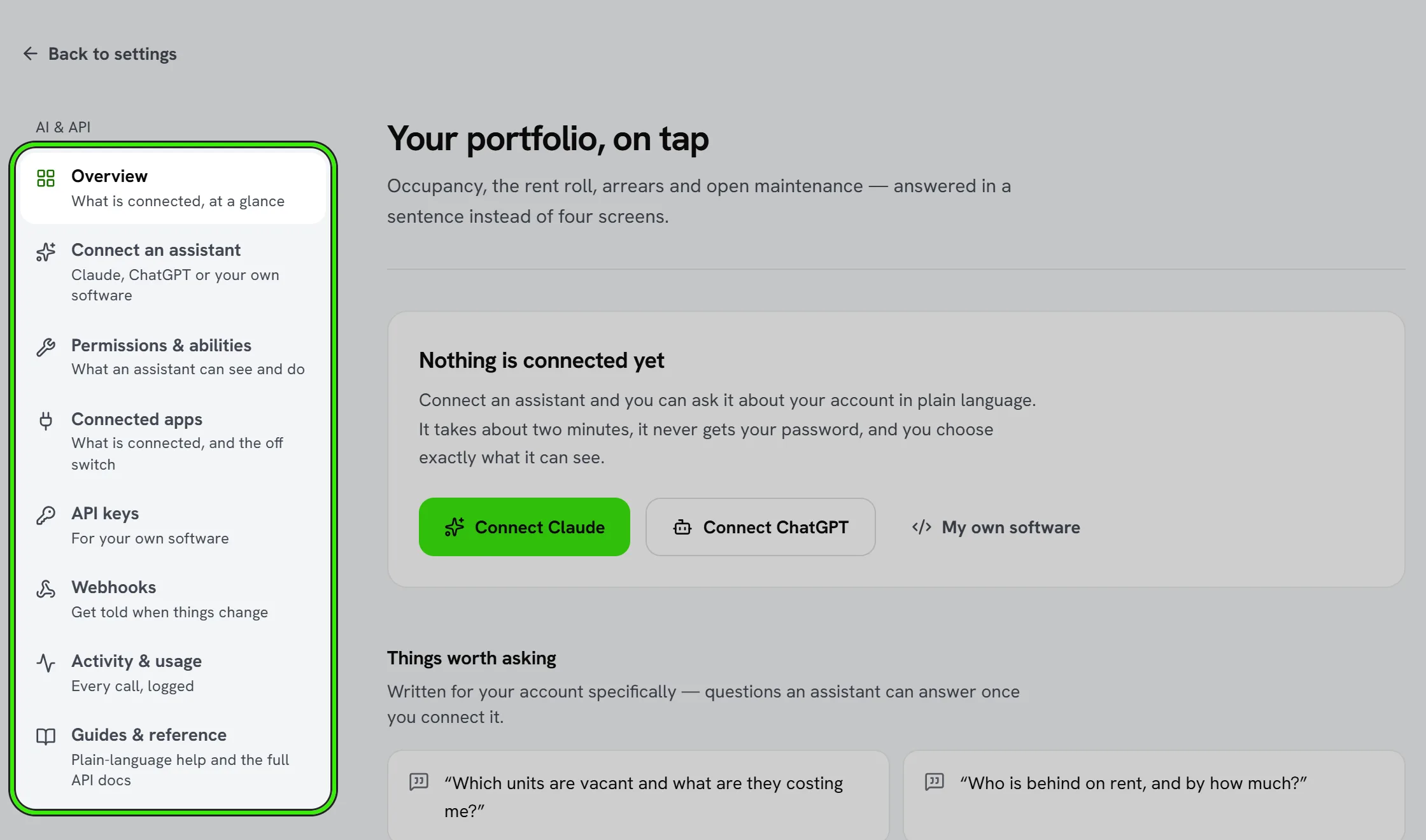
Settings → AI & connections, in every portal. From there: connect an assistant, see what each connected app can reach, create API keys for your own software, set up webhooks, and read the activity log.
Frequently asked questions
Is it safe to connect an assistant?
The assistant receives a limited credential, not your password, scoped to the permissions you approve. Leave the "writes" permissions unchecked for a read-only connection, and disconnect it at any time from Connected apps — access stops immediately.
Does connecting cost anything?
API and assistant access is included on plans that carry it; if your plan does not, the settings screen says so and links to plans. There is no per-call charge from Seayora. The assistant itself (Claude, ChatGPT) has its own pricing.
Can the assistant change things in my account?
Only if you grant it a "writes" permission, and even then most workspaces stage every change as a proposal you approve. It cannot publish a listing under any setting.
Related guides
- Connecting Claude, ChatGPT or Your Own Agent
- Approvals: How an Assistant Proposes Changes
- Permissions Reference
Related features and guides
- Connecting Claude, ChatGPT or Your Own Agent — Documentation. Step-by-step instructions for connecting Claude, ChatGPT, an MCP-capable agent framework, or plain HTTP software to your Seayora account.
- Approvals: How an Assistant Proposes Changes — Documentation. Why a connected assistant usually proposes rather than performs, what the Approvals queue is, and the one action that can never be automated.
- Permissions Reference — Documentation. Every permission an assistant or API key can hold, what it unlocks, and which ones can change records — generated from the server.
- Do You Need a Contractor License? Handyman Limits by State — Guide. The dollar limits below which work needs no contractor license in California, Arizona, Nevada, Florida and North Carolina, and the conditions that void them.
- Tenant Screening: What Landlords Need to Know — Guide. How to screen rental applicants fairly and legally: credit and background checks, consistent criteria, the FCRA’s adverse action notice and fair housing.