Multiple Entities and Consolidated Statements
Keep an LLC per building, or a separate equipment company, in the same books — switch between them, and add them up into a consolidated P&L, balance sheet or trial balance.
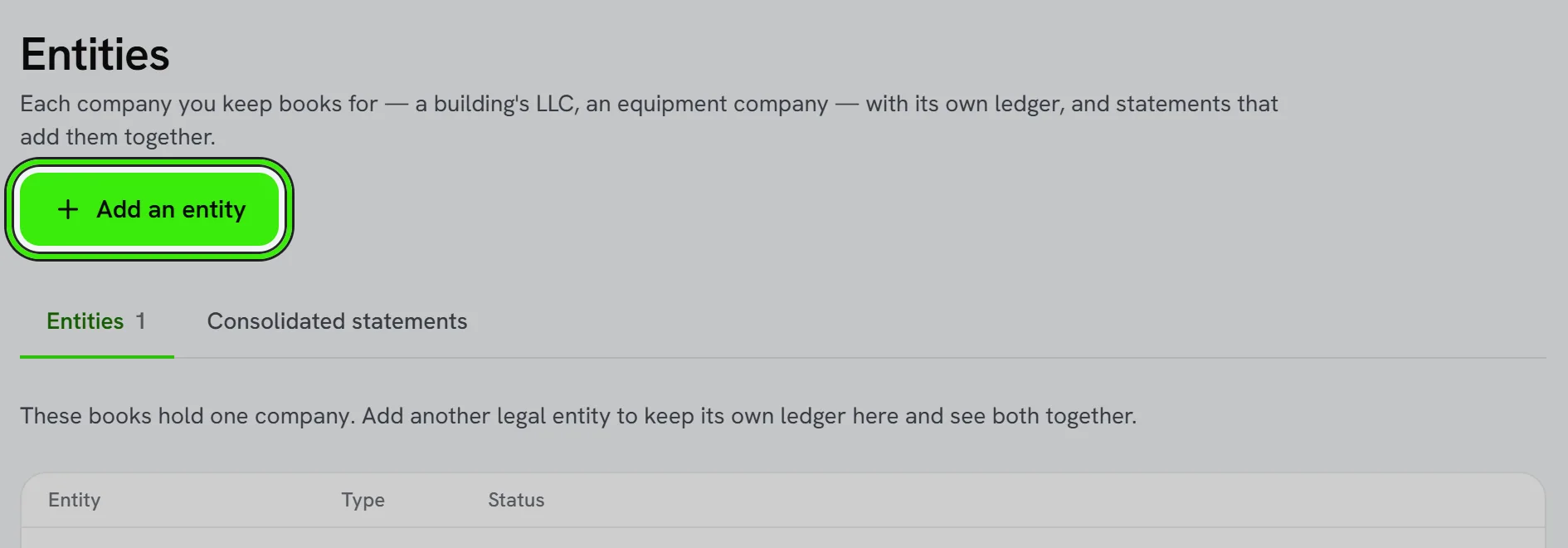
An entity is another company in your books: its own chart of accounts and its own journal, under the company you sign into. Add them under Accounting → Books → Entities. An entity cannot hold entities of its own — one level, never a tree.
Working in an entity
Press Work in this, or choose from the switcher at the top of Accounting. Every books screen then reads and writes that entity’s ledger — on the website and on both phones, because the choice is saved to your account rather than to the device.
Consolidated statements
The Consolidated panel adds a profit and loss, balance sheet or trial balance across the entities you pick. Accounts are added by account code (by name where there is no code), so give the same account the same code in every entity.
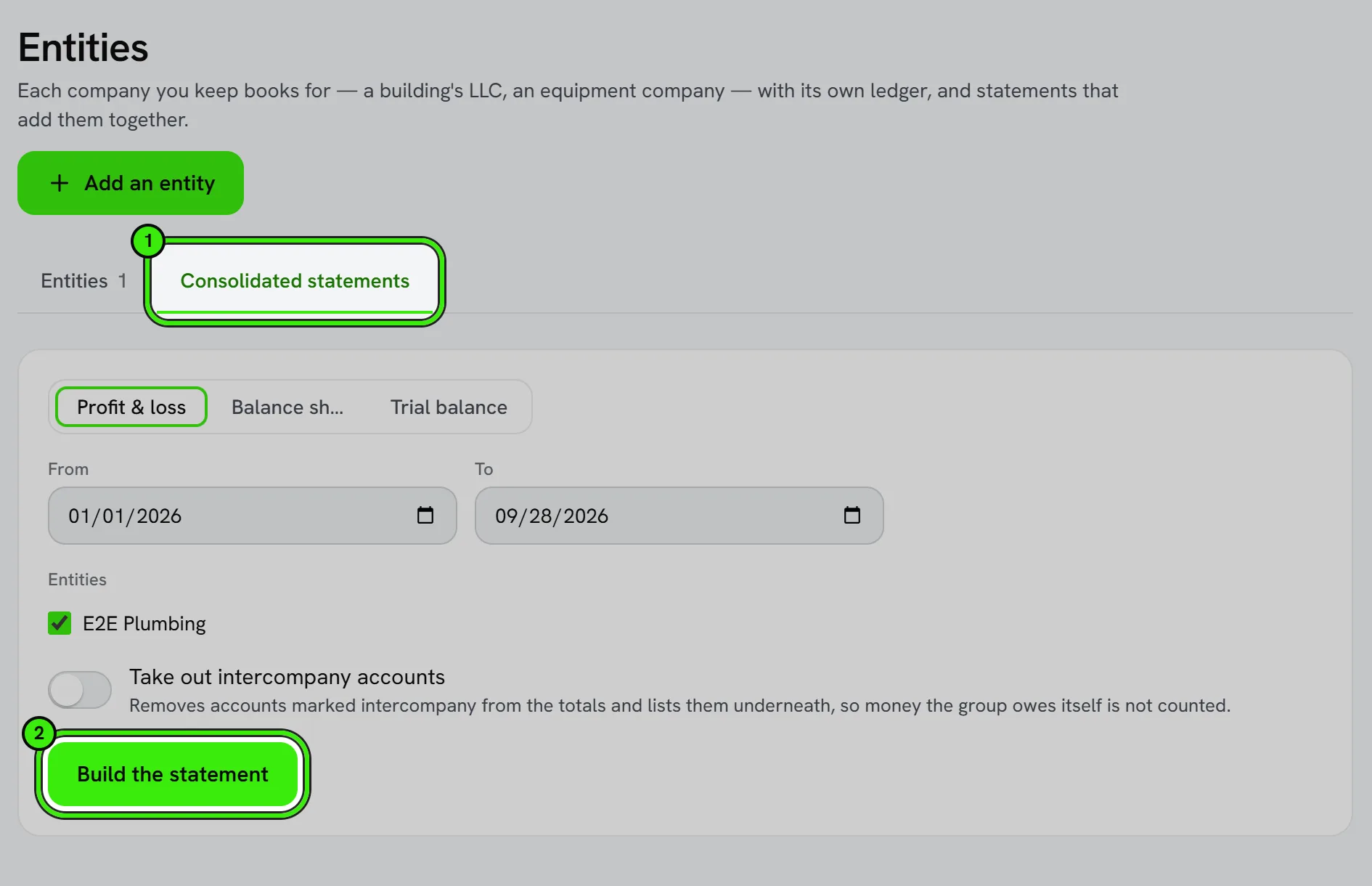
- Mark an entity’s accounts intercompany, then choose to eliminate them. They are removed from the totals and listed, never dropped silently.
- If intercompany balances do not net to zero, the statement says by how much — that is a real bookkeeping error to find.
- An entity whose figures could not be read is named and left out, and the totals say so. It is never added in as zero.
Frequently asked questions
Does each entity need its own bank accounts and customers?
Yes. Each entity is its own set of books, so its bank accounts, customers, vendors and items are its own.
Can a team member see only some entities?
Books access applies to the whole set of books. Give a person view-only or no access to a part of the books under Books Access.
Related guides
Related features and guides
- Chart of Accounts & General Ledger — Documentation. How to structure your chart of accounts, post journal entries, and use the general ledger as the backbone of your books.
- Books Setup, Books Access and Keyboard Shortcuts — Documentation. The eight-step setup for new books, narrowing what each person on your team can do in them, and the density switch and keyboard shortcuts.
- Financial Reports & Tax Exports — Feature. Generate profit and loss, balance sheet, and portfolio reports, and export Schedule E tax reports in a single click across every property you own or manage.
- Investment Management: Investors, Capital Calls, Distributions and K-1s — Documentation. How a landlord or management company runs the entities that own its properties — investors and commitments, capital calls, distributions through a preferred return and a waterfall, capital statements, K-1 delivery — and what each investor sees.
- QuickBooks Integration — Feature. Connect QuickBooks Online and bring the chart of accounts, customers, vendors, items, open balances and past transactions into Seayora — checked against QuickBooks’s own trial balance before anything is written.
- Invoicing, Estimates & Statements — Feature. Create invoices and estimates, send customer statements, and collect payment through the same rails as rent — with everything posting to the ledger automatically.