Billable Time and Expenses
Recharge hours and costs to the customer they were for — see what is unbilled by customer, set rates and markup, and put the chosen work on one invoice.
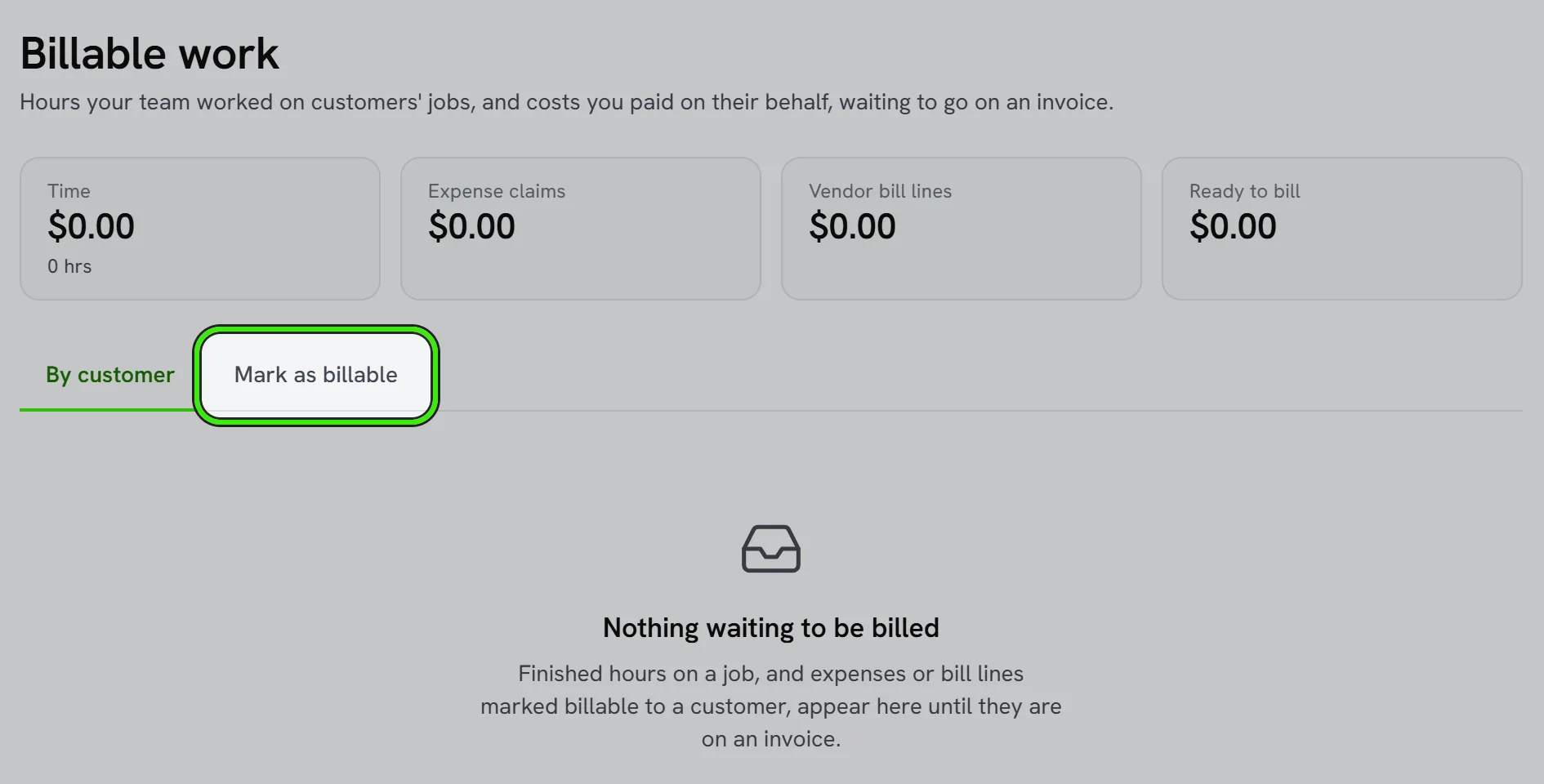
Billable Work (Accounting → Get paid) gathers everything you could recharge and have not: finished time entries on a customer’s jobs, expense claims marked billable to a customer, and bill lines marked billable to one. It opens on one row per customer with hours, amounts and a total.
Rates
A time entry is priced at its own bill rate when it has one, otherwise from the rate on file for that work, and the screen says which. An entry with no rate anywhere shows no amount — it is not free — and you type a rate for it on the invoice. Expense claims and bill lines are recharged at cost plus your default markup (a books policy), or a markup you set on the line or on the invoice.
Invoicing it
- Open a customer, check the time, expenses and bill lines to bill, and create the invoice.
- Time can be one invoice line per entry or one per job.
- The invoice is posted like any other. Recharged costs are booked to Billable Expense Income, not back to the expense account they were spent from.
- Voiding the invoice puts its work back on the unbilled list.
Marking things billable
The Mark billable tab lists recent expense claims and bill lines that are not billable yet, and time marked not billable. Pick the customer an expense was for, or restore time somebody marked not billable. Time is always billed to the customer whose job it was.
A job’s customer who is not in your books yet still appears, by address, and billing them adds them as a customer — so their hours are never hidden until somebody enters them by hand.
Frequently asked questions
Why does a time entry show no amount?
There is no rate on file for it. Type one when you invoice it. An entry with no rate is never billed at $0.00.
Can the same hours be billed twice?
No. Work on an invoice is stamped with it and leaves the unbilled list. It only comes back if that invoice is voided.
Is the invoice sent automatically?
No. It is created and posted; sending it is a separate step, exactly as for any invoice.
Related guides
Related features and guides
- Invoices, Estimates & Statements — Documentation. How to create, brand, and send invoices, estimates, and statements — with a price book, good / better / best options, optional add-ons, acceptance on the spot or on the customer’s own portal, and follow-ups — turn estimates into invoices, and get paid online.
- Sales Orders and Purchase Orders — Documentation. Record what a customer has agreed to buy and what you have ordered from a vendor — deliver and invoice a sales order line by line, receive a purchase order as goods arrive, and raise the vendor’s bill from it.
- Job Costing — Documentation. How to tie income and costs to individual jobs so you can see true profitability by job, customer, or trade.
- Landlord Bookkeeping and Tax Prep: Get Organized Before April — Guide. How landlords keep rental income and expenses organized all year, which costs are deductible, and how to arrive at tax season with clean records.
- Contracts, Change Orders & Purchase Orders — Feature. Signed contracts, documented change orders, and purchase orders — so scope creep becomes a billable, agreed change instead of an argument at invoice time.
- Invoicing, Estimates & Statements — Feature. Create invoices and estimates, send customer statements, and collect payment through the same rails as rent — with everything posting to the ledger automatically.