Sales Orders and Purchase Orders
Record what a customer has agreed to buy and what you have ordered from a vendor — deliver and invoice a sales order line by line, receive a purchase order as goods arrive, and raise the vendor’s bill from it.
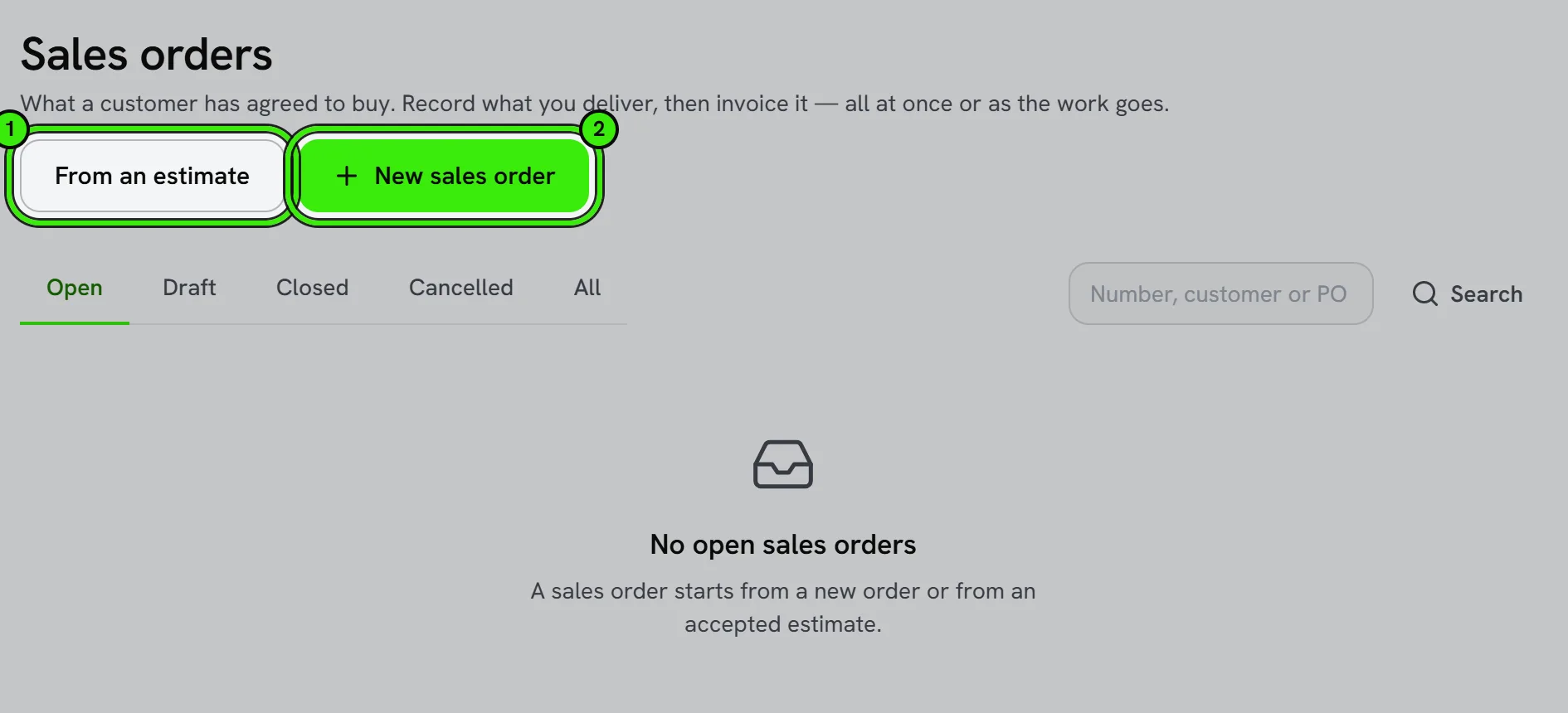
A sales order sits between an estimate and an invoice: the customer has said yes, and nothing is owed yet. A purchase order is the same thing pointing the other way — what you have asked a vendor for, before their bill arrives. They live under Accounting → Get paid → Sales Orders and Accounting → Money → Purchasing, on the website and in both phone apps.
Sales orders
- Create one from scratch, or from an accepted estimate. A line with an item and no price is priced by your price rules; a line nothing can price is refused rather than filled in at $0.00.
- Confirm it to open it. A draft can still be edited or deleted; an open order has been promised.
- Record a delivery as work is done or goods leave — part of a line, some lines, or everything outstanding. Stocked items leave inventory at their cost.
- Invoice from it as many times as it takes. Each is an ordinary invoice, numbered and posted, and the order keeps count of what is left to invoice.
- Close an order once there is nothing left to do, or cancel one nobody has delivered or invoiced against.
Purchase orders
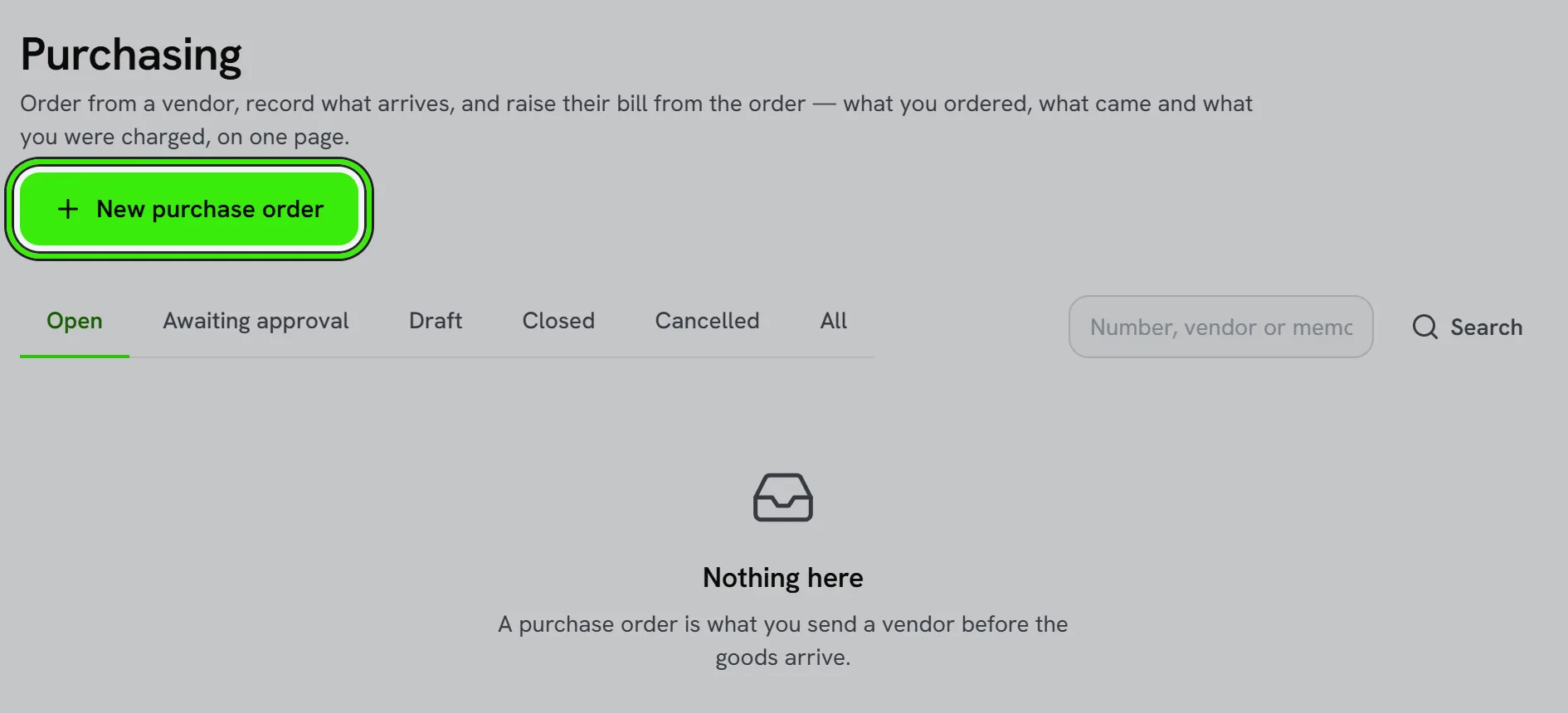
- Draft one to a vendor. A line with no cost takes the item’s cost from the price book, or is refused.
- Issue it (Issue the order). Where your books ask for approval, it waits for somebody who may approve it — and within their approval limit — before it opens. Issuing does not send anything to the vendor: share the order with them yourself.
- Receive against it as goods arrive, by line or everything outstanding. Stocked items go into inventory at the order’s cost.
- Raise the vendor’s bill from it. That bill goes through the same approval policy as any other bill.
| Progress shows | It means |
|---|---|
| Not yet | Nothing delivered, received, invoiced or billed. |
| Part | Some of it has been. |
| All | Everything on the order has been. |
What you may do to an order at any moment — edit it, confirm it, deliver, invoice, receive, bill, close, reopen or cancel — is decided by the server and drawn the same way on every device, so no screen offers a button the books would refuse.
Ask your assistant
A connected assistant can list and open your orders, draft a sales order or a purchase order, and record goods received. Every one of those drafts waits in Approvals for a person. It cannot confirm, approve, invoice, bill or pay anything.
Frequently asked questions
Is a sales order an invoice?
No. Nobody owes anything on an order until you invoice it, and it is not in accounts receivable or the aging report until then.
Can I invoice part of an order?
Yes — invoice what has been delivered so far, then the rest later. The order tracks what is left, line by line.
Why was a line refused?
Because nothing could price it: the item has no list price and no price rule applies to it. Type the price for that line. Seayora never fills a missing price with $0.00.
Does receiving a purchase order pay the vendor?
No. Receiving records what arrived. The vendor’s bill is a separate step, and paying it is another.
Does Seayora send the purchase order to my vendor?
No. Issuing an order opens it so you can receive and bill against it; nothing is emailed to the vendor. Send it to them the way you usually do.
Related guides
Related features and guides
- Price Rules and Price Levels — Documentation. Discounts, markups, fixed prices and price levels — for everybody, a group of customers or one customer, on every item, a type, a trade or one item — and exactly which one wins.
- Invoices, Estimates & Statements — Documentation. How to create, brand, and send invoices, estimates, and statements — with a price book, good / better / best options, optional add-ons, acceptance on the spot or on the customer’s own portal, and follow-ups — turn estimates into invoices, and get paid online.
- Accounting Suite Overview — Documentation. A tour of Seayora’s accounting and bookkeeping tools — invoicing, bills, ledger, bank feeds, reports, automations, and the AI analyst.
- Contracts, Change Orders & Purchase Orders — Feature. Signed contracts, documented change orders, and purchase orders — so scope creep becomes a billable, agreed change instead of an argument at invoice time.
- Job Costing — Feature. Track labor, materials, and vendor costs against each work order or capital project, so you know real margin per job instead of guessing.
- Invoicing, Estimates & Statements — Feature. Create invoices and estimates, send customer statements, and collect payment through the same rails as rent — with everything posting to the ledger automatically.