Price Rules and Price Levels
Discounts, markups, fixed prices and price levels — for everybody, a group of customers or one customer, on every item, a type, a trade or one item — and exactly which one wins.
Price rules decide what a customer is quoted when a line has an item and no typed price — on a sales order, an estimate or an invoice, on the website, on either phone, and through a connected assistant. They live under Accounting → Get paid → Price Rules. One evaluator prices every one of those, so the quote is the price.
A rule
| Part | Choices |
|---|---|
| What it does | Percent off · Percent markup · Fixed price · Amount off |
| Who it is for | Every customer · Customers on a price level · One customer |
| What it applies to | Every item · Items of a type · Items in a trade · One item |
| When | From a minimum quantity, and between a start and an end date |
| Order | A priority from 1 (first) to 1000, and whether it stacks on top of the winning rule |
Which rule wins
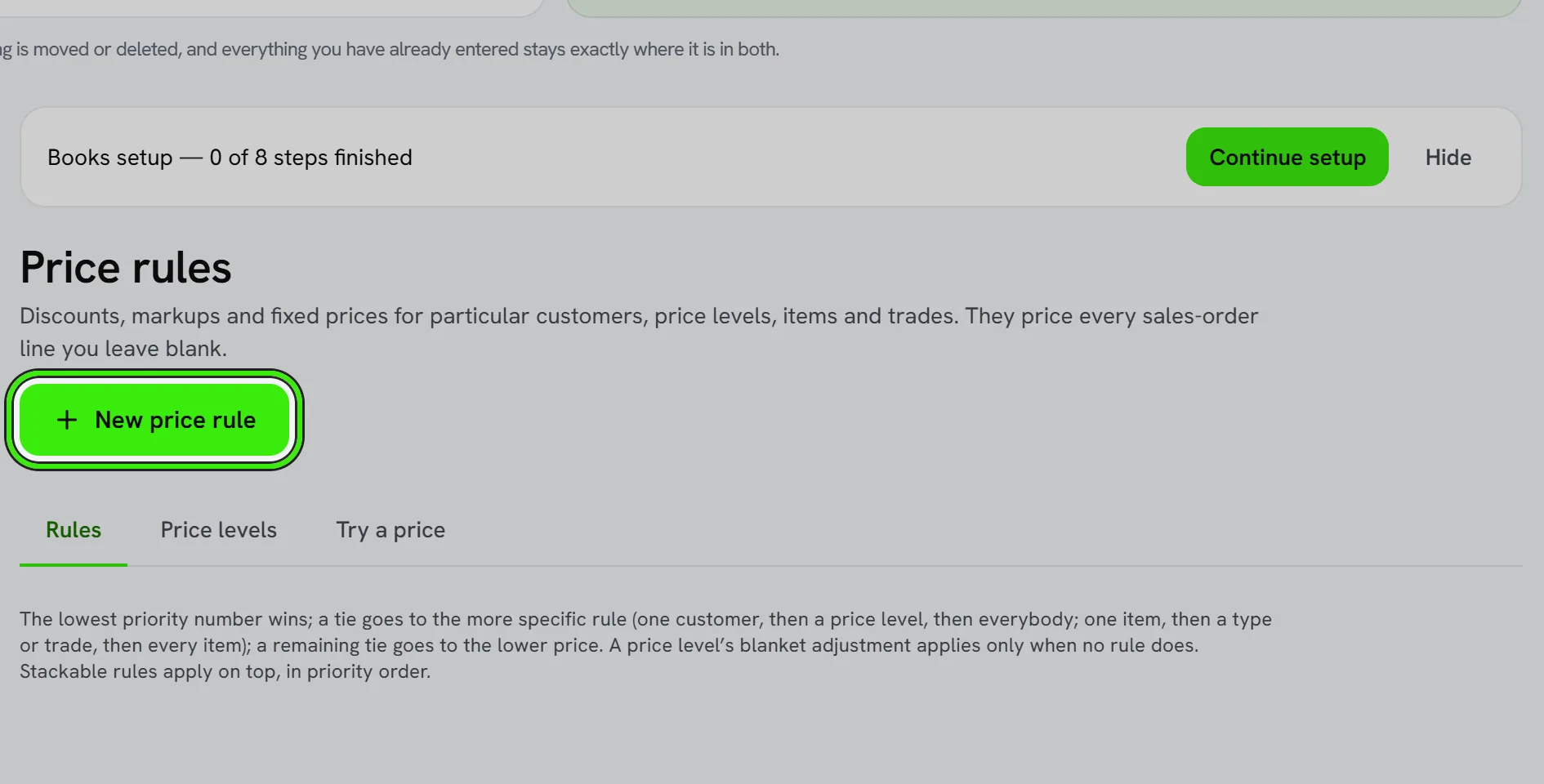
The lowest priority number wins. A tie goes to the more specific rule — one customer, then a price level, then everybody; one item, then a type or trade, then every item — and a remaining tie goes to the lower price. A price level’s blanket adjustment applies only when no rule does. Stackable rules apply on top, in priority order.
Price levels
A price level is a group of customers — trade, wholesale, a building management client — with an optional blanket adjustment. Put a customer on a level from the Price Rules screen, then write rules for the level rather than for each customer.
A level is also how member pricing works. Give a membership plan a level and write rules for it — a percentage off, or a fixed price on particular items — and every item line you leave blank for an active member is priced at their rate on an estimate or a sales order, with the rule named under the line; the invoice made from one carries those prices. The plan's level outranks one set on the customer by hand, and it stops the day the membership ends. A price you type yourself is always the price used. See Memberships & Automatic Payment.
Try it before you save it
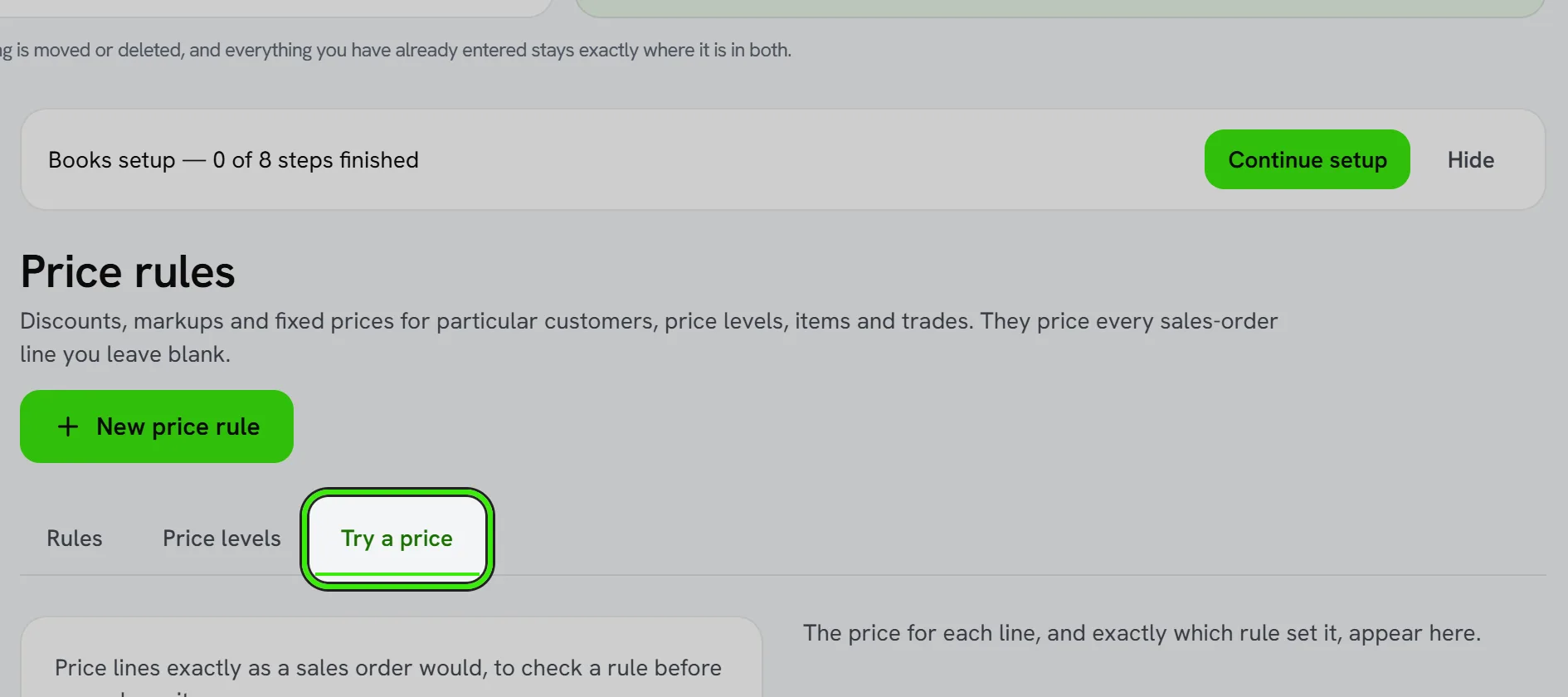
The Try tab prices lines for a customer on a date and shows, line by line, which rule set the price. A line nothing can price is shown with no price — never $0.00 — and an order will refuse it the same way.
A new or changed rule affects what is quoted from then on. Nothing already issued moves: an invoice keeps the price it was issued at.
Frequently asked questions
Does a price rule change invoices I have already sent?
No. Rules price lines as they are created. An issued invoice keeps its price; a correction is a credit note.
Can a typed price override a rule?
Yes. A price typed on the line is the price. Rules only fill in a line whose price was left blank.
Can my assistant add a discount?
It can propose a price rule and show you its effect with a quote. The rule waits in Approvals until a person approves it.
Related guides
Related features and guides
- Sales Orders and Purchase Orders — Documentation. Record what a customer has agreed to buy and what you have ordered from a vendor — deliver and invoice a sales order line by line, receive a purchase order as goods arrive, and raise the vendor’s bill from it.
- Invoices, Estimates & Statements — Documentation. How to create, brand, and send invoices, estimates, and statements — with a price book, good / better / best options, optional add-ons, acceptance on the spot or on the customer’s own portal, and follow-ups — turn estimates into invoices, and get paid online.
- Memberships & Automatic Payment — Documentation. Sell a maintenance plan, bill every member on schedule, give members their own prices, and let a customer pay automatically — on their own say-so.
- Accounts Receivable & Collections — Feature. Track outstanding balances across tenants and customers, age receivables, and run collections workflows before small arrears become large ones.
- QuickBooks Integration — Feature. Connect QuickBooks Online and bring the chart of accounts, customers, vendors, items, open balances and past transactions into Seayora — checked against QuickBooks’s own trial balance before anything is written.
- Landlord Bookkeeping and Tax Prep: Get Organized Before April — Guide. How landlords keep rental income and expenses organized all year, which costs are deductible, and how to arrive at tax season with clean records.