Memberships & Automatic Payment
Sell a maintenance plan, bill every member on schedule, give members their own prices, and let a customer pay automatically — on their own say-so.
A membership is a plan a customer pays for on a schedule — a monthly maintenance plan, a yearly service agreement. Seayora raises each period's invoice by itself, prices members at the rates you set for them, and charges a customer's card or bank account only if they turned automatic payment on themselves.
Memberships are under Accounting → Advanced → Memberships, on the website and in both apps.
Plans
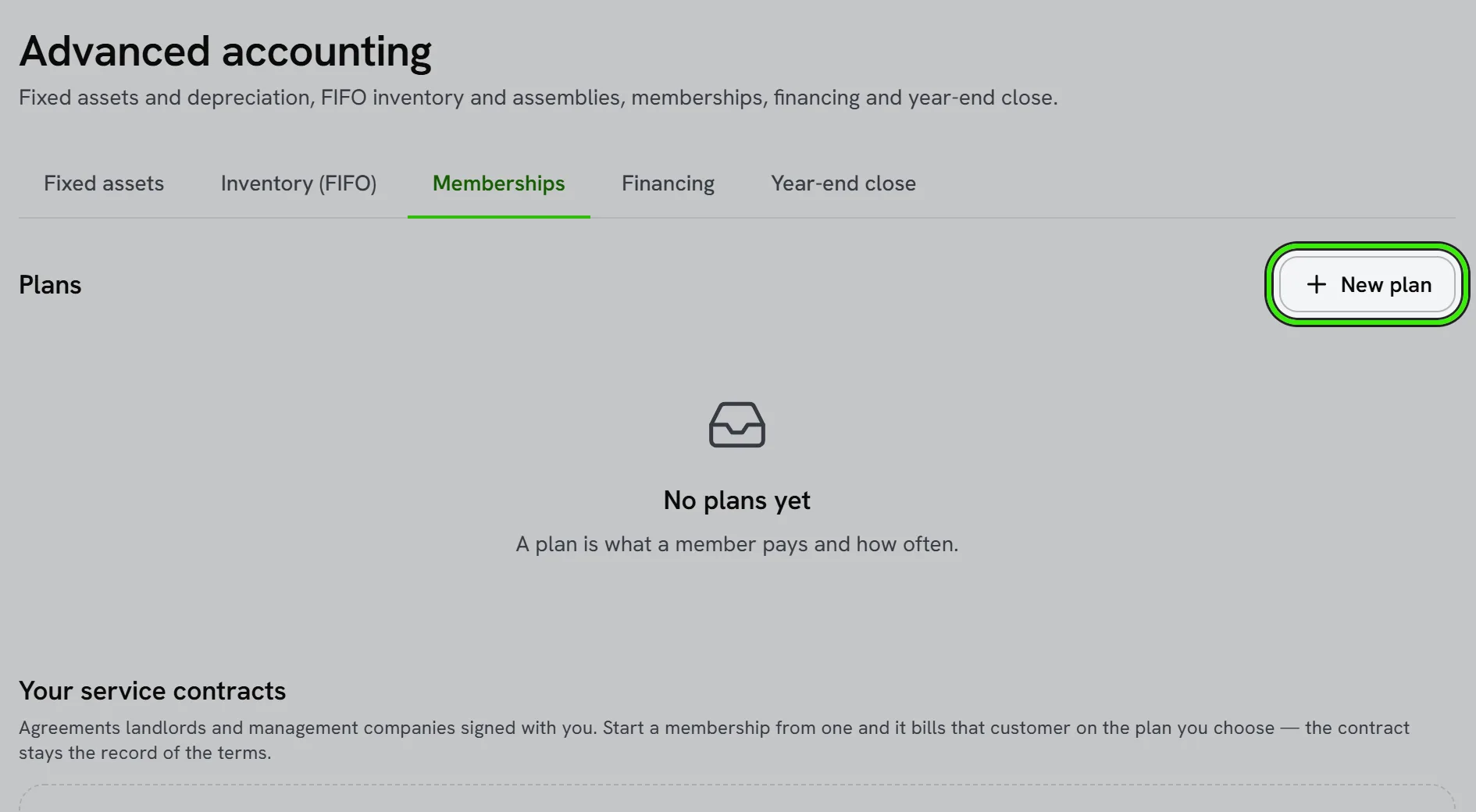
A plan is a name, a price and how often it bills — every week, month, quarter or year, or every few of them. Add what's included so a customer knows what they are paying for. Switch a plan off to stop new people joining; the people already on it carry on.
Changing a plan's price or schedule applies to people who join afterwards. Everyone already on it keeps the price and schedule they joined at, because that is what they agreed to.
Member pricing
Pick a price level for a plan and its members get that level's prices on every quote, estimate and sales order for as long as their membership is active. It outranks a level set on the customer by hand, and it stops the day the membership ends. Make levels under Price rules.
Billing
- Every morning Seayora raises an invoice for each membership that is due, dated the first day of its period. “Bill what's due” runs the same thing on the spot.
- Each period is billed once, however many times billing runs — a second run, two people pressing the button, or a retry after an outage never raise a second invoice or a second charge.
- If an invoice cannot be raised (a closed period, say), the membership does not move on: the next run tries that period again, and the membership says why.
- If billing fell behind, one invoice is raised for each missed period. Those are never charged automatically — they are left open for the customer to pay.
- Each membership shows what happened to its latest bill: open, paid automatically, a bank payment on its way, declined, or not raised.
Automatic payment
Automatic payment is the customer's decision, not yours. Send them their portal link from the membership. On that page they add a card or a bank account — typed straight into the payment processor's own form, so neither you nor Seayora ever sees the number — read the terms, and check the box. Seayora keeps the exact words they agreed to, with when and from where, and emails them a copy.
- Only the current period is charged, on the day its invoice is raised.
- A declined payment leaves the invoice open, and the customer is emailed a link to pay it. You get a message too.
- A payment already on its way for an invoice — a bank transfer the customer started themselves, say — is never taken a second time.
- The customer can turn automatic payment off, or cancel the membership, from their portal at any time. You are told when they do.
- You can turn automatic payment off for a customer, but you cannot turn it on — only they can.
- Charges go to your own payout account. Until it is approved, invoices are raised but nothing is charged, and each membership says so.
Ending a membership
End a membership from its row, with a reason if you like. Nothing more is billed, automatic payment stops at once, and the customer is emailed. An invoice already raised stays open until it is paid.
Frequently asked questions
Can I turn on automatic payment for a customer?
No. A card or bank account on file needs the account holder's own consent, so only the customer can turn it on, from their portal. You can send them the link, and you can turn it off.
What happens if I change a plan's price?
New members pay the new price. Existing members keep the price they joined at.
Will a customer be charged twice if billing runs twice?
No. Each period is claimed once before anything is invoiced or charged, and a charge is made at most once per period.
Does member pricing apply to invoices I type by hand?
No — it applies wherever Seayora prices a line for you: quotes, estimates and sales orders, and the invoices made from them. A price you type yourself is the price used.
Can I see memberships from my AI assistant?
Yes, read-only. A connected assistant can list your memberships and which ones need attention. It cannot bill anybody, charge a card or turn automatic payment on.
Related guides
Related features and guides
- Price Rules and Price Levels — Documentation. Discounts, markups, fixed prices and price levels — for everybody, a group of customers or one customer, on every item, a type, a trade or one item — and exactly which one wins.
- Invoices, Estimates & Statements — Documentation. How to create, brand, and send invoices, estimates, and statements — with a price book, good / better / best options, optional add-ons, acceptance on the spot or on the customer’s own portal, and follow-ups — turn estimates into invoices, and get paid online.
- Inventory & Fixed Assets — Documentation. How to track inventory with advanced costing and manage fixed assets with scheduled depreciation.
- Invoicing, Estimates & Statements — Feature. Create invoices and estimates, send customer statements, and collect payment through the same rails as rent — with everything posting to the ledger automatically.
- Property Management Accounting — Feature. A full chart of accounts and general ledger purpose-built for rentals — income and expenses tracked to the unit, with rent, fees, and maintenance posting automatically.
- Rent Receipt Laws: When a Landlord Must Give a Receipt — Guide. When a landlord must give a rent receipt in New York, Maryland, Texas and California, what it must say, cash payment rules, and New York’s late-rent notice.