Inventory & Fixed Assets
How to track inventory with advanced costing and manage fixed assets with scheduled depreciation.
For businesses that hold stock or own equipment, Seayora offers inventory and fixed-asset modules.
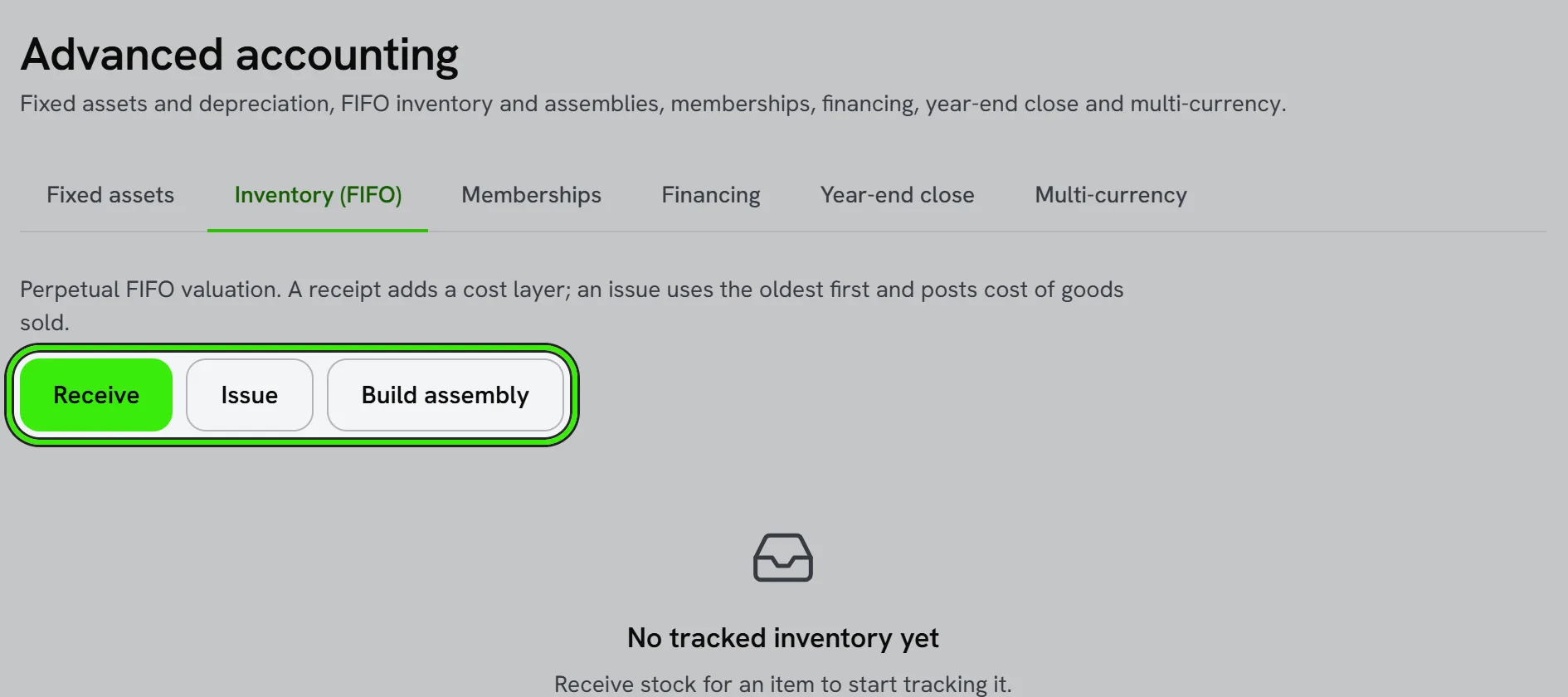
Inventory
Track quantities and value, and — with advanced inventory enabled — use FIFO costing and assemblies/bundles for more accurate cost of goods sold.
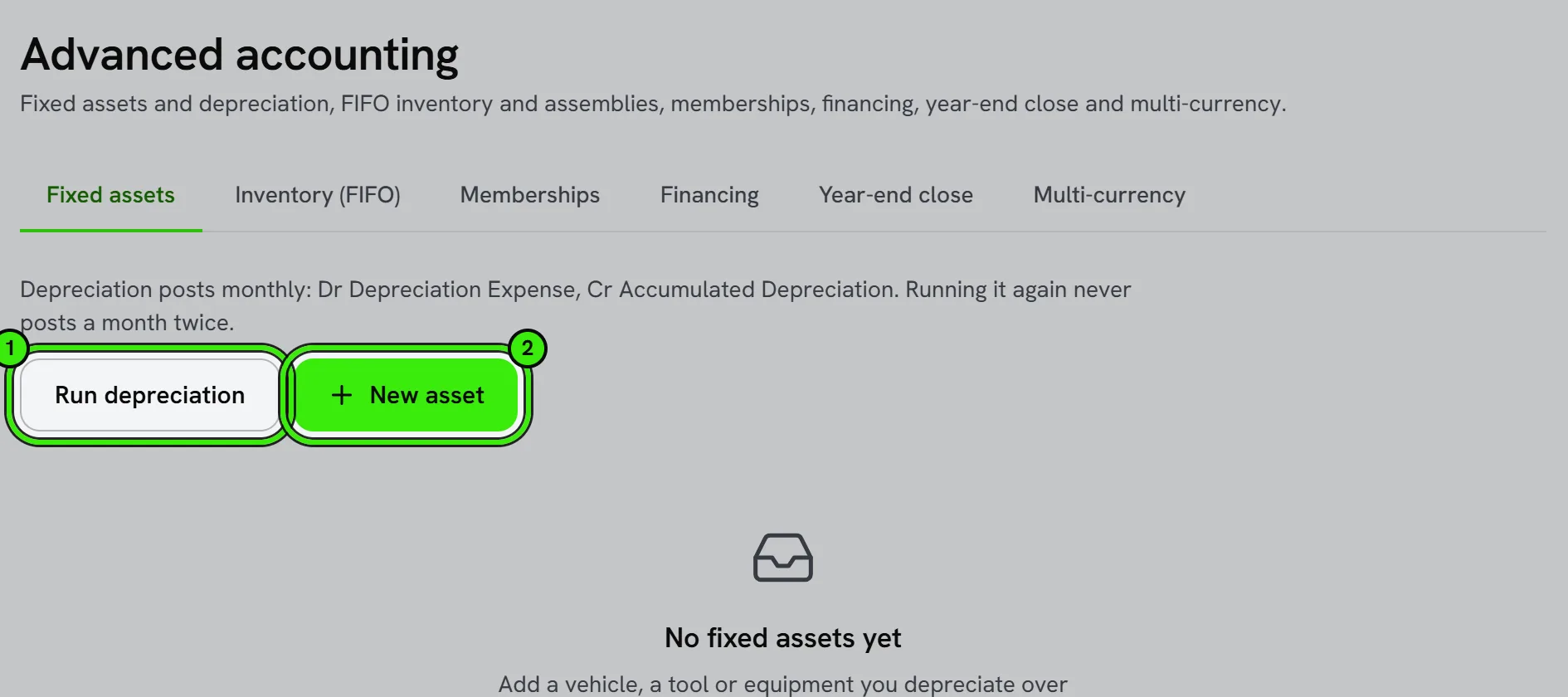
Fixed assets
Record assets like vehicles and equipment and post scheduled depreciation automatically, so your balance sheet reflects their declining value over time.
Both are advanced modules controlled by feature flags. Depreciation methods and inventory valuation have tax implications — confirm your approach with an accountant.
Choosing a depreciation method
Common methods include straight-line (equal expense each period) and accelerated methods that front-load the expense. The right choice depends on the asset and your tax strategy — this is a case where a few minutes with your accountant pays for itself.
Frequently asked questions
Do I need advanced inventory if I only stock a few items?
Probably not — basic inventory tracking may be enough. Advanced inventory (FIFO costing, assemblies) is aimed at businesses with meaningful stock complexity.
What happens to a fixed asset when I sell or retire it?
Record the disposal so the asset and its accumulated depreciation come off the books correctly, with any gain or loss recognized — your accountant can confirm the right treatment.
Can I track inventory across more than one location?
Yes, where supported alongside the locations module, so you can see stock levels and value broken out by warehouse, truck, or site.
Do I need advanced inventory just to track a few tools?
No — basic tracking is enough for a small number of items. Save advanced inventory for when FIFO costing or assemblies genuinely matter to your business.
Related guides
Related features and guides
- Job Costing — Feature. Track labor, materials, and vendor costs against each work order or capital project, so you know real margin per job instead of guessing.
- Bills & Accounts Payable — Feature. Enter and track bills, manage vendor payables, and tie each cost back to the property, unit, or job that generated it.
- Price Rules and Price Levels — Documentation. Discounts, markups, fixed prices and price levels — for everybody, a group of customers or one customer, on every item, a type, a trade or one item — and exactly which one wins.
- Accounting for Service Professionals: A Practical Starter Guide — Guide. Bookkeeping basics for contractors and trades: a clean chart of accounts, cash or accrual, job costing, and the reports that show if a job made money.
- Accounting Policies & Settings — Documentation. What each Books setting does — numbering, terms, tax, late fees, deposits, reminders, statements, online payments, approvals, accounting basis, fiscal year, rounding, job costing and AI.
- Job Costing — Documentation. How to tie income and costs to individual jobs so you can see true profitability by job, customer, or trade.