Owner Requests & Approvals
How a property owner asks their management company for something, how the manager answers, resolves or closes it, and how a manager asks an owner to approve spending.
Requests are the record of what an owner and the company that manages for them ask each other — kept as a list with a history, not buried in email. They work the same on the website, on iPhone and on Android.
When an owner asks for something
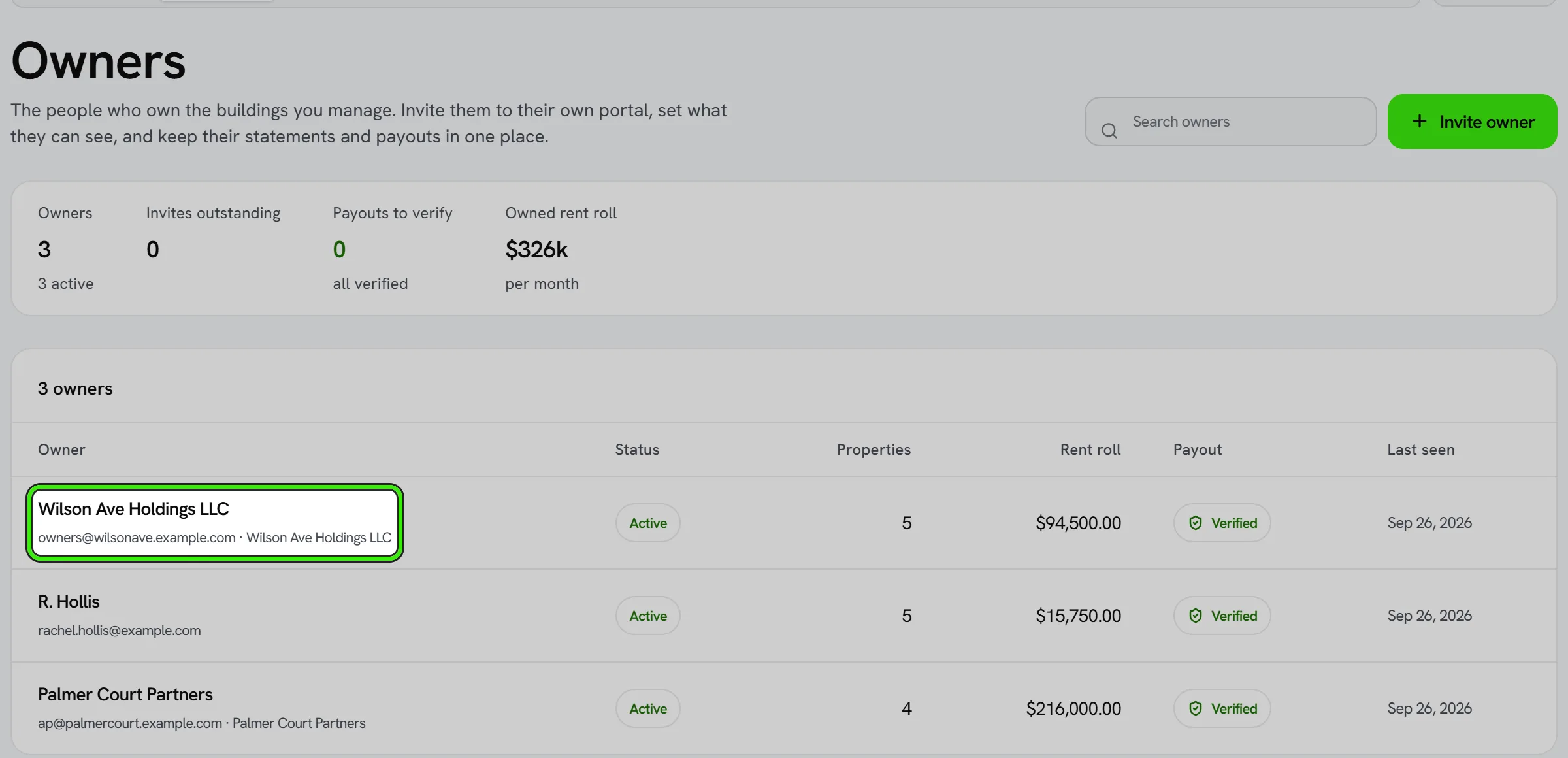
An owner raises a request from their portal — a repair, a question about a statement, anything they need. The manager is alerted and emailed straight away, and the request appears in that owner’s drawer under Owners.
- Reply — the owner is emailed your reply, and the request is marked Answered.
- Mark resolved — tells the owner it is done, with an optional note of what was done. If it is not done, the owner’s reply reopens it.
- Close — for something you will not do. A reason is required, because the owner is shown it.
When the manager needs an approval
A manager can ask an owner to approve something — most often spending on a building. Choose Ask for approval in the owner’s drawer, describe it, and add an amount and a date if they apply. The owner approves or declines it from their portal, with a note, and the manager is told either way. While it is still open the manager can add a note or withdraw it; a withdrawn request leaves the owner nothing to decide, and they are told.
The conversation
Either side can reply on a request while it is open, answered or resolved. Each reply is kept as written, in order, beneath the request; nothing anybody wrote is edited afterwards. The other side is notified in the app and by email every time.
Frequently asked questions
Can an owner approve a request they raised themselves?
No. An owner’s own request is answered by their manager; only a request the manager raised is the owner’s decision.
What happens if I reply to a request my manager marked resolved?
It reopens as Answered, and your manager is emailed your reply.
Can a closed request be reopened?
No — start a new request. A closed or withdrawn request stays on the record exactly as it ended.
Related guides
Related features and guides
- Managing Properties & Units — Documentation. How to organize a portfolio of properties and units, assign them, and keep records clean across a management company.
- Portfolio Analytics & Owner Reporting — Documentation. How management companies and landlords see portfolio-wide performance — occupancy, rent roll, and maintenance — across every property.
- ENERGY STAR Portfolio Manager for Local Law 97 — Documentation. Connect the Portfolio Manager account your NYC benchmarking already uses, see every building graded against the City’s checklist, and approve each change before Seayora enters it.
- AI Financial Analyst — Feature. An AI layer over your accounting data that surfaces trends, anomalies, and answers about your portfolio finances without building a report first.
- Team Roles & Permissions (RBAC) — Feature. Role-based access control with employee accounts, so leasing agents, maintenance staff, and bookkeepers each see only their scope. Every action is audit-logged.
- Maintenance Requests & Work Orders — Feature. Tenants submit work orders with photos and video from their phone. Landlords triage, dispatch, and track every request to completion in one place.