Writing Estimates
How to build an accurate estimate, keep track of the ones you have sent, and turn an accepted estimate straight into scheduled work.
Winning the right jobs starts with a fast, accurate estimate. Seayora’s estimating tools help you quote confidently and keep track of what’s outstanding.
Building an estimate
- Add line items for labor, materials, and any subcontracted work.
- Apply your saved pricing or catalog items for consistency.
- Include your branded template so every quote looks professional.
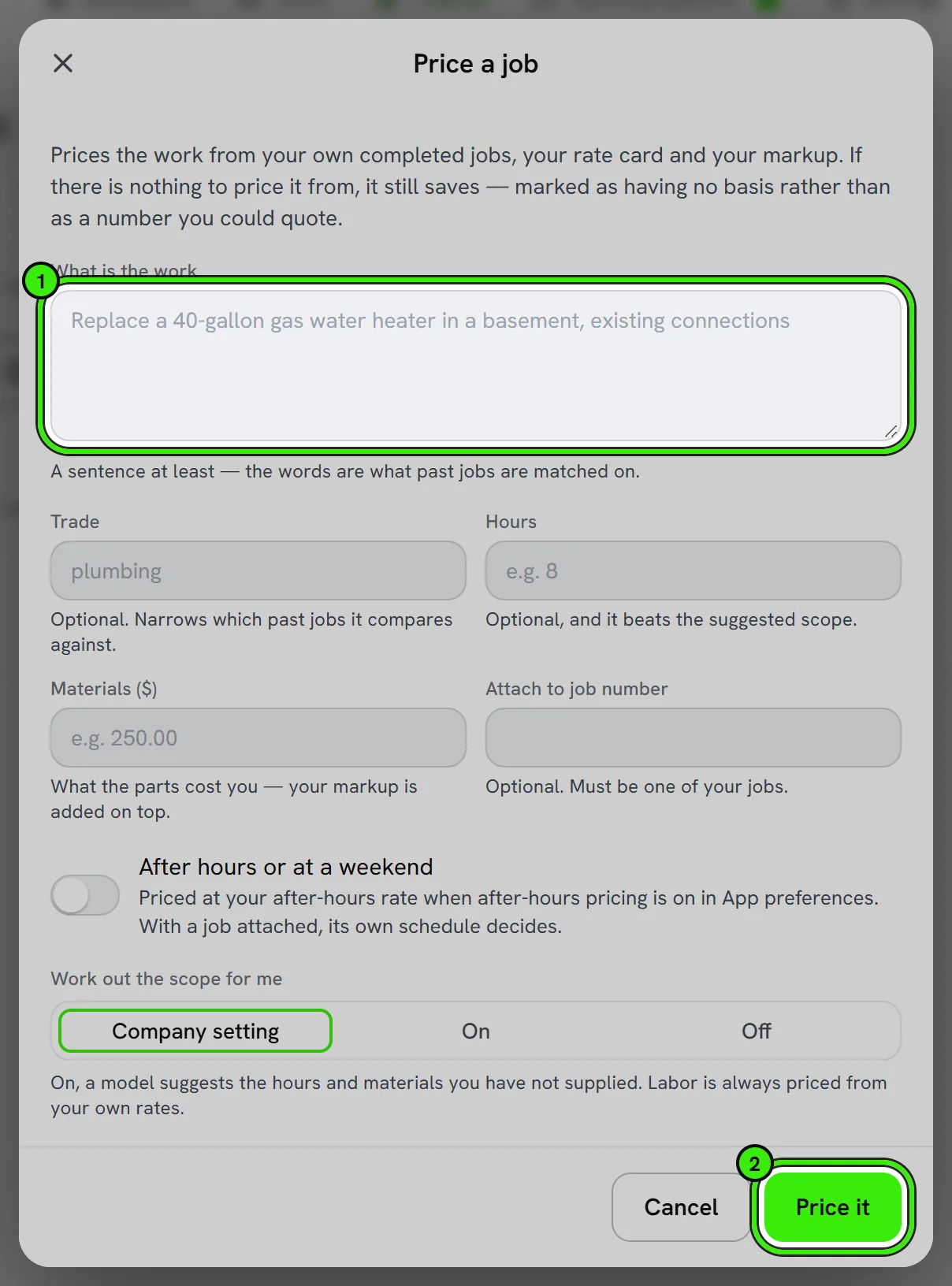
Tracking outstanding estimates
See every estimate you’ve sent and its status — pending, accepted, or declined — in one place instead of digging through email threads to remember what you quoted and when.
From accepted estimate to scheduled job
An accepted estimate can convert directly into a job and an invoice, carrying line items and pricing forward automatically so nothing needs to be re-typed.
Pricing consistently
Job costing on completed work tells you whether your estimates are actually profitable — use it to refine pricing over time rather than guessing at margins.
Frequently asked questions
Can I set an expiration date on an estimate?
Yes — giving an estimate a validity window is common practice, especially when material costs fluctuate, so an old quote can’t be accepted at a price that no longer reflects your costs.
Does a declined estimate stay in my records?
Yes — declined and expired estimates remain visible for your own tracking and can inform future pricing decisions, even though they don’t convert into work.
Can I attach photos to an estimate?
Yes — attaching site photos to an estimate helps the customer understand the scope and gives you a visual reference if the job changes once work starts.
Related guides
Related features and guides
- Invoices, Estimates & Statements — Documentation. How to create, brand, and send invoices, estimates, and statements — with a price book, good / better / best options, optional add-ons, acceptance on the spot or on the customer’s own portal, and follow-ups — turn estimates into invoices, and get paid online.
- Job Costing — Documentation. How to tie income and costs to individual jobs so you can see true profitability by job, customer, or trade.
- Sales Pipeline & the Full Sales Cycle — Documentation. How Seayora tracks a sale from lead to lead-to-cash — quotes, follow-ups, conversion, invoicing, and payment — as one connected cycle.
- AI-Assisted Estimates & Quoting — Feature. AI-assisted estimating with materials prediction, 3D scan input, permit checks, and online quote approval — so quoting stops being unpaid after-hours work.
- Vendor & Subcontractor Management — Feature. Manage subcontractors and vendors, track their compliance, and keep customer and vendor portals connected to the jobs they are working on.
- Contractor Invoicing & Payouts — Feature. Turn completed work into an invoice automatically and get paid online, with a 4% processing fee applied only when you get paid.