Handing Over a Property’s Record
When a building sells or changes manager, release its record — equipment, warranties, service history, work history, inspections and compliance — to the next owner, who adds it to the same building in their own portfolio.
A building’s record should go with the building. When you sell a property, or hand it to a new manager, you can release a copy of what you kept in Seayora to the next owner: the equipment with its warranties, preventive plans and service history, the work history, what the inspections found, and the compliance filings. They read it, then add the equipment to the same building in their own portfolio. Nothing in your own records changes.
Sending a record
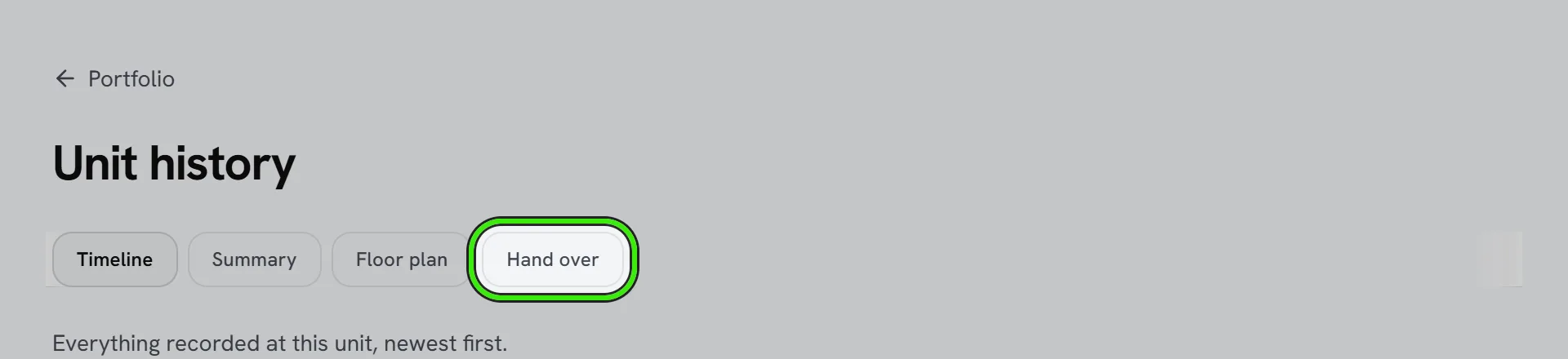
- Open the property’s History — the History button on a portfolio row on the website, or the unit’s history in either phone app — and choose Hand over.
- Enter the next owner’s email address and choose what to include. What things cost — purchase prices and the cost of each service visit — is left out unless you turn it on.
- Read the record before it leaves. What you see is exactly what they receive: the record is frozen and fingerprinted at the moment you send it.
- They are emailed a link and a PDF of the record. The offer stays open for 30 days, and you can withdraw it until they answer. A PDF of every record you release is in your Documents.
What is never in a record
- Residents, leases, rent, deposits and payment history.
- Messages, internal notes, and who reported or carried out each repair.
- Inspection notes, photos and signatures — only each item’s recorded condition goes.
- Meters and sensors, door codes and Wi-Fi details.
- Listings, tours and applications.
Email addresses and phone numbers that happen to be written in a work-order title or a service note are removed before the record leaves. Read the preview anyway: a name somebody typed into a title is still a name.
Receiving a record
- Sign in to Seayora as the address the record was sent to — the link in the email, or Records handed to you at the top of your asset register on the website or either phone app.
- Add the building to your portfolio first if it is not there yet. A record is attached to a property you already have; accepting one never creates a property.
- Choose the property. Seayora marks the one whose address matches the record; if you choose one that does not match, you are asked to confirm it is the same building.
- The equipment is added to your asset register with its warranties, service history and preventive plans. The rest of the record — work history, inspections and compliance — stays readable in the record itself and in your Documents.
Two things to do after accepting
- Switch on the preventive plans you want. They arrive paused, so nothing is raised onto your maintenance board until you have decided who does the work.
- Print new QR labels. The labels on the equipment still point at the previous owner’s register; print a fresh one from each asset’s page.
A property record is the previous owner’s records as they kept them. It is not an inspection, a warranty of condition, or a disclosure a seller is required by law to make, and it does not replace one.
Frequently asked questions
Does the buyer see my tenants or my rent?
No. Residents, leases, rent, deposits and payment history are never in a property record, whatever you choose to include.
Can I take a record back after it has been accepted?
You can withdraw an offer until it is answered. Once the next owner has accepted, the copy is theirs; your own records are unchanged either way.
The buyer does not have a Seayora account. Can they still receive it?
Yes. The email carries a PDF of the record. To add the equipment to a portfolio, they create an account with that email address, add the building, and open the link again within 30 days.
Why did the preventive plans arrive switched off?
So nothing is raised onto your maintenance board for a contractor you have never met. Switch each plan on once you have decided who does the work.
Related guides
Related features and guides
- Equipment, Preventive Maintenance & the Equipment Outlook — Documentation. Register the boiler, the water heater and the roof, schedule the work each one needs, print a scan-to-report label — and see which equipment needs attention before it fails.
- Unit Timeline — Documentation. Everything that happened at one unit — or on your tenancy — in one list, newest first, and exactly who can see what.
- ENERGY STAR Portfolio Manager for Local Law 97 — Documentation. Connect the Portfolio Manager account your NYC benchmarking already uses, see every building graded against the City’s checklist, and approve each change before Seayora enters it.
- Check-Ins & Site Visits — Feature. Record staff check-ins at properties so inspections and site visits leave an auditable trail instead of a verbal report.
- Calendar & Scheduling — Feature. Schedule showings, inspections, site visits, and maintenance jobs on a shared calendar so field work and leasing activity stop colliding.
- Broadcast Messaging & Notices — Feature. Broadcast SMS and email notices to an entire building or portfolio at once — water shutoffs, policy changes, and seasonal reminders, without a mail merge.