Bank Feeds & Reconciliation
How to connect bank feeds, auto-categorize transactions with rules, and reconcile your accounts each month.
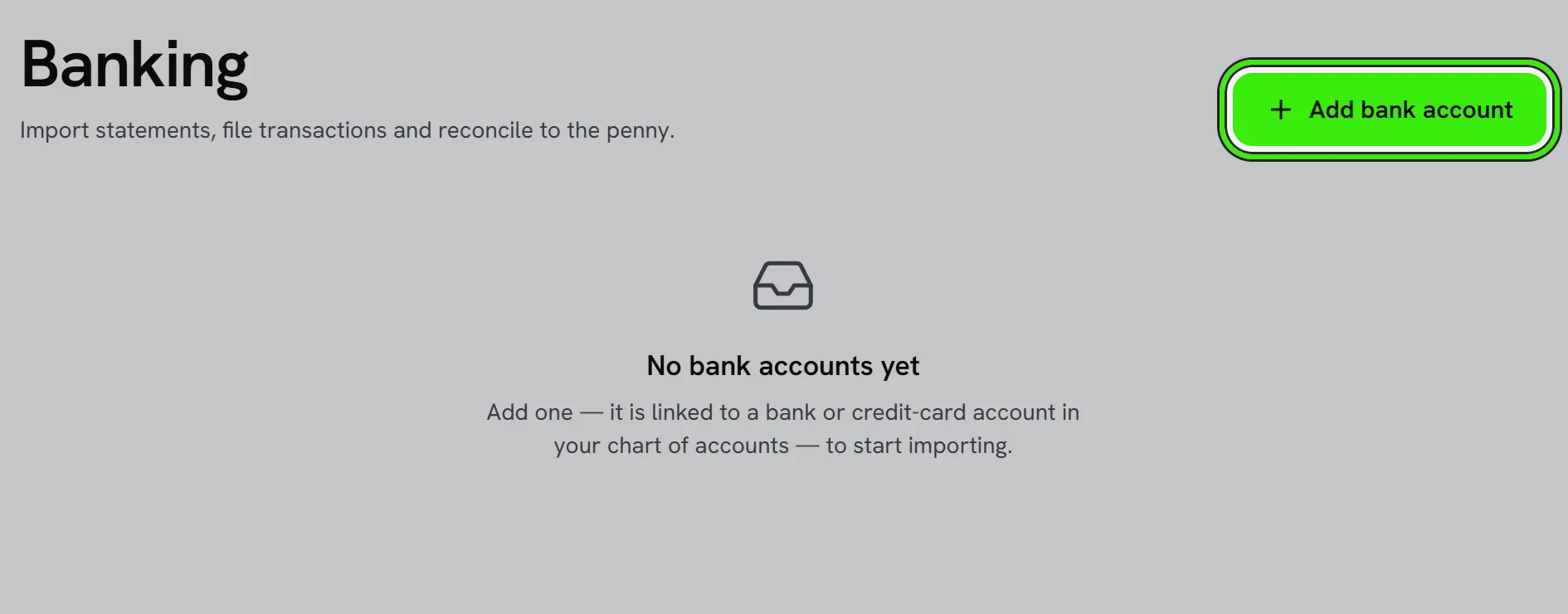
Bank feeds pull transactions in automatically; reconciliation confirms your books match reality.
Choosing a feed
Banking → Live Feeds lists every provider we support, what each one can see, and what it costs. They answer different questions, so pick per account rather than looking for one winner.
| Provider | What it sees | What it costs you | Where |
|---|---|---|---|
| Seayora payout deposits | Only the deposits our payment processor pays you | Nothing — no setup, no account, no credentials | US |
| Plaid | The whole bank account | Billed per connected account per month; the widest bank coverage | US, Canada, UK, EU |
| Teller | The whole bank account | Free for a first tranche of accounts, then per account per month — usually the cheapest full feed | US |
| SimpleFIN | The whole bank account | Nothing to Seayora. It is an open protocol and you pay your own bridge provider a small monthly fee | US |
Each provider on that screen has a "What it costs and what it needs" link with its strengths, its limits and a link to its own pricing page. Where a price has not been confirmed against a signed contract we label it, rather than showing you a number that might not match an invoice.
One feed per account
A bank account can have one live feed at a time, and Seayora will refuse a second. That is not a limitation to work around — two feeds on one account import the same transaction twice under two different references, which is very hard to spot and worse to unpick. If you want to switch provider, disconnect the first one; everything it already imported stays exactly where it is.
What the payout feed can and cannot see
Our processor knows what it paid into your account. It cannot see anything else in that account: checks you write, card spend, payroll, bank charges, transfers, loan draws, deposits from anywhere else, or the balance itself. So the payout feed is complete for Seayora-collected money and silent on everything else. If you want the whole account, connect the full bank feed as well — a reconciliation that balances on a partial picture looks exactly like one that balances on a complete picture.
How payout deposits appear
- One row per deposit, matching the single line your bank statement shows — not one row per payment inside it.
- The row shows the gross amount and the processing fees taken out, so you can split it when you categorize. The deposit itself is the net.
- A deposit still on its way is marked pending, and if it later fails it is removed again — unless you have already categorized it, in which case it stays and we leave your ledger alone.
- Where we only know the day the payout was sent rather than the day it cleared, the row says so. Your bank may show it a day or two later.
- Re-importing never duplicates a deposit; each one is tracked by the processor’s own reference.
Do not record the same money twice
If you invoice through Seayora, your books already record each payment to your bank account on the day it settles with the processor — days before the payout actually reaches your bank. Importing the payout deposit into that same account records the money a second time. Either map the payout feed to a separate account you treat as your processor balance, or match each deposit against the entries already in the ledger rather than categorizing it as new income. Seayora warns you on the Live Feeds screen when it sees this situation; it does not stop you, because which account you treat as your processor balance is your decision.
Live feeds and rules
Connect a bank or financial account and let recurring transactions be categorized by rules, so most entries become a quick review-and-confirm. Connections are provided by third parties under their own terms, and Seayora never sees or stores your online banking password.
When a feed says "sign in again"
Banks require you to re-authorize a connection every few months. That is normal and is not a fault — the feed pauses, says so on the Live Feeds screen, and picks up where it left off once you reconnect. Nothing already imported is affected. A feed that genuinely failed shows the error it hit instead, so the two never look the same.
Pending transactions
A card transaction usually arrives first as pending, at the amount that was authorized, and settles later at the real amount — a restaurant tip is the everyday example. Feeds mark those rows pending and correct them automatically when they post. Once you have categorized a row, Seayora stops changing it: there is a ledger entry behind it by then, and rewriting it would leave your books out of balance.
The monthly reconcile
- Match feed transactions to invoices, bills, and payments.
- Categorize anything new.
- Confirm the ending balance matches the statement.
- Investigate any difference before closing the month.
Reconciling monthly keeps discrepancies small and your reports trustworthy.
When the bank feed is behind or wrong
Feeds occasionally lag a day or two behind your actual bank, and a rule can miscategorize an unusual transaction. Refresh the connection, review new items before accepting a rule’s suggestion, and fix a rule going forward rather than only the one transaction it affected.
Frequently asked questions
How many bank accounts can I connect?
You can connect multiple accounts across multiple financial institutions, which is common for businesses that separate operating funds from a savings or tax-reserve account.
Is my bank login stored by Seayora?
No — bank connections are handled through a third-party financial-data aggregator under its own security practices; Seayora doesn’t see or store your online banking password.
Can I exclude a personal transaction that appeared on a business account?
Yes — exclude it from the feed rather than categorizing it, so it doesn’t distort your business books while still leaving your bank statement untouched.
What if a transaction shows up twice in the feed?
Duplicate feed entries usually resolve when you match one to an existing invoice or bill and exclude or delete the other — most reconciliation tools flag likely duplicates for you.
Does the payout feed cost anything?
No. It reads the payment processor Seayora already runs for you, so there is no aggregator subscription, no credentials to obtain and nothing to configure beyond choosing which of your bank accounts the deposits land in.
Which provider should I use for a full bank feed?
If your bank is covered by Teller, it is usually the cheapest and has a free tier that covers most single companies. Plaid has the widest coverage, especially at smaller credit unions, and is the safer choice if Teller cannot see your bank. SimpleFIN costs Seayora nothing but requires you to set up and pay for a bridge yourself, so it suits someone whose bank the other two do not cover.
Is there a free full bank feed?
Not in the United States, in the sense of free to everyone. Teller has a free tier that covers a typical single company, and SimpleFIN is free to Seayora but not to you. Genuinely free open-banking APIs exist in the UK and EU, where regulation requires banks to provide them, but they have no US coverage.
Can I use more than one provider?
Yes, across different accounts — one provider per bank account. What you cannot do is point two feeds at the same account, because every transaction would arrive twice.
Where are my bank credentials stored?
Your banking password is never given to Seayora at all — you enter it with the provider, who returns an access token instead. That token is encrypted before it is stored, and Seayora refuses to save one if encryption is unavailable rather than storing it unprotected.
Why does the payout deposit not match the invoices it paid?
The deposit is net of processing fees, and it covers every payment that settled before the payout was sent rather than one invoice. The row shows the gross amount and the fees so you can split it; the difference between the two is the fee expense.
Can I still use the payout feed if I also connect a full bank feed?
Yes, but point them at different accounts, or the same deposit arrives twice — once from us and once from your bank. If you have a full feed on an account, that feed already contains our deposits.
I disconnected the payout feed. Did my deposits disappear?
No. Disconnecting stops future imports and leaves everything already imported exactly where it is — some of it may already be posted to your ledger, and removing it would unbalance your books.
Related guides
- Chart of Accounts & General Ledger
- Financial Reports
- QuickBooks Online Integration
- Fees, Payouts & Refunds
Related features and guides
- Chart of Accounts & General Ledger — Documentation. How to structure your chart of accounts, post journal entries, and use the general ledger as the backbone of your books.
- Financial Reports — Documentation. The core reports Seayora produces — Profit & Loss, Balance Sheet, aging, budgets vs. actual — and how to read them.
- QuickBooks Online Integration — Documentation. How to connect QuickBooks Online, what data syncs, and how to verify results — with Seayora’s non-affiliation with Intuit made clear.
- Bank Feeds & Reconciliation — Feature. Connect bank feeds and reconcile transactions against the ledger, so what the books say and what the bank says actually match.
- Bank Reconciliation Explained (and Why It Matters) — Guide. What bank reconciliation is, why every business should do it monthly, and how bank feeds and rules make it fast instead of painful.
- QuickBooks Integration — Feature. Connect QuickBooks Online so property income, expenses, and payouts stay in sync — or migrate your existing QuickBooks data into Seayora and run everything in one place.