Toolbox & Everyday Utilities
Smaller day-to-day utilities service professionals use — quick calculators, lookups, and helpers that don’t need their own dashboard.
Not every useful tool needs a full page — the toolbox collects smaller utilities that come up often in day-to-day work.
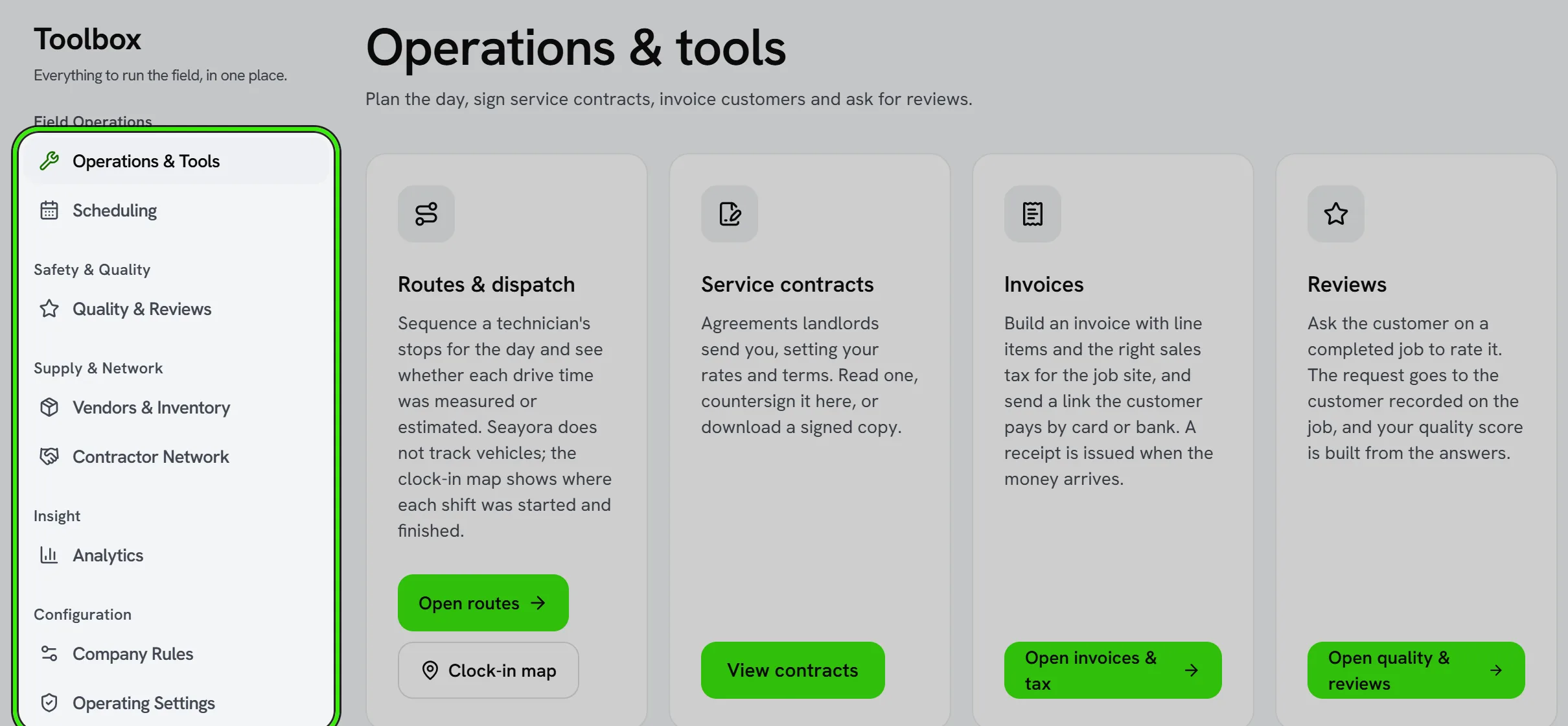
What lives in the toolbox
- Quick pricing and markup calculators.
- Unit and measurement helpers.
- Lookups you’d otherwise reach for a separate app to do.
Why it’s worth knowing about
Small utilities like this save the most time in aggregate — a 30-second calculation you’d otherwise do in a separate app, dozens of times a week, adds up fast.
Frequently asked questions
Will more utilities be added over time?
The toolbox grows based on what’s genuinely useful in day-to-day field and office work — it’s meant to stay focused rather than becoming a catch-all.
Do toolbox calculations save anywhere?
Most are quick, one-off helpers rather than saved records — for anything you need to keep, use an estimate, invoice, or job note instead.
Is the toolbox available to every account type?
It’s primarily aimed at service professionals doing field and estimating work, though any account can explore what’s available in their dashboard.
How is the toolbox different from a full accounting report?
The toolbox is for quick, in-the-moment math while you’re working — a markup on a material cost, a unit conversion — not for anything that needs to be tracked over time. For a permanent record, use an estimate, invoice, or journal entry instead, which flow into your books and reports automatically.
Related guides
Related features and guides
- The Service Pro Dashboard — Documentation. How service professionals manage jobs, finances, and operations from a single dashboard.
- Writing Estimates — Documentation. How to build an accurate estimate, keep track of the ones you have sent, and turn an accepted estimate straight into scheduled work.